Full Xero Review With Updated US Pricing and Features (2026)
Home
/
Blog
/
What Is Accounting Software? Types, Details, and How to Choose
What Is Accounting Software? Types, Details, and How to Choose
Written by
Reviewed by
A practical guide to accounting software types, features, and how to choose the right platform for your business size and needs.
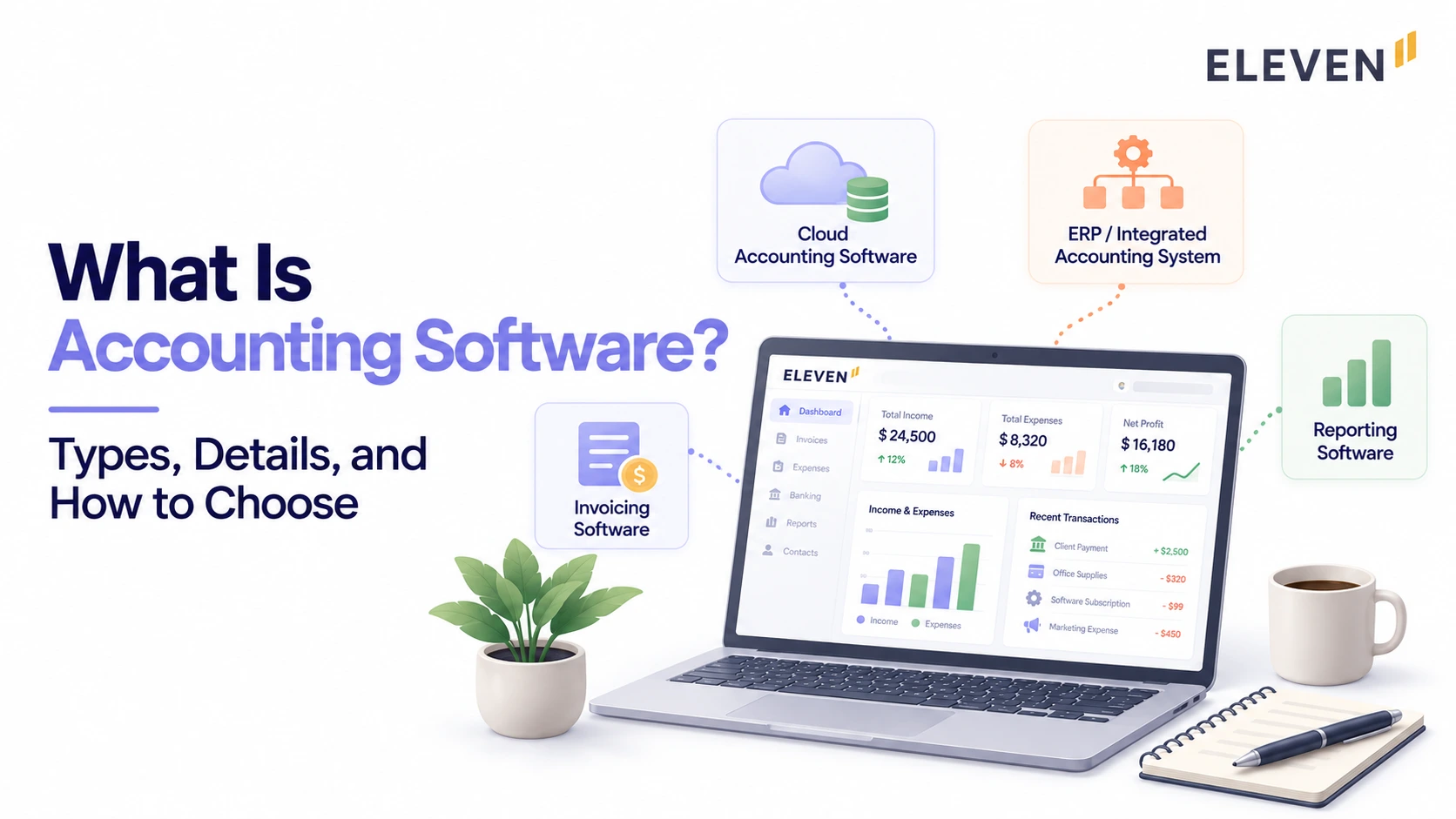
Accounting software is a digital platform that records, manages, and reports financial transactions automatically. It replaces manual bookkeeping by handling invoicing, expense tracking, bank reconciliation, payroll, and financial reporting in one place. The right platform depends on your organization's size and structure; a small business and a CPA firm managing 50 client entities have fundamentally different requirements from the same category of tool.
Accounting software covers a wide range of tools, from simple apps that help a sole trader track expenses to platforms that consolidate financial statements.
The word “accounting software” is used for all of them, which is part of why it’s hard to compare options without first understanding which category you’re actually looking for.
We cover what accounting software is, the main types, the features that matter at different levels, and how to figure out what your organization needs.
What Is Accounting Software?
Accounting software is a digital tool that records, manages, and reports a company's financial transactions.
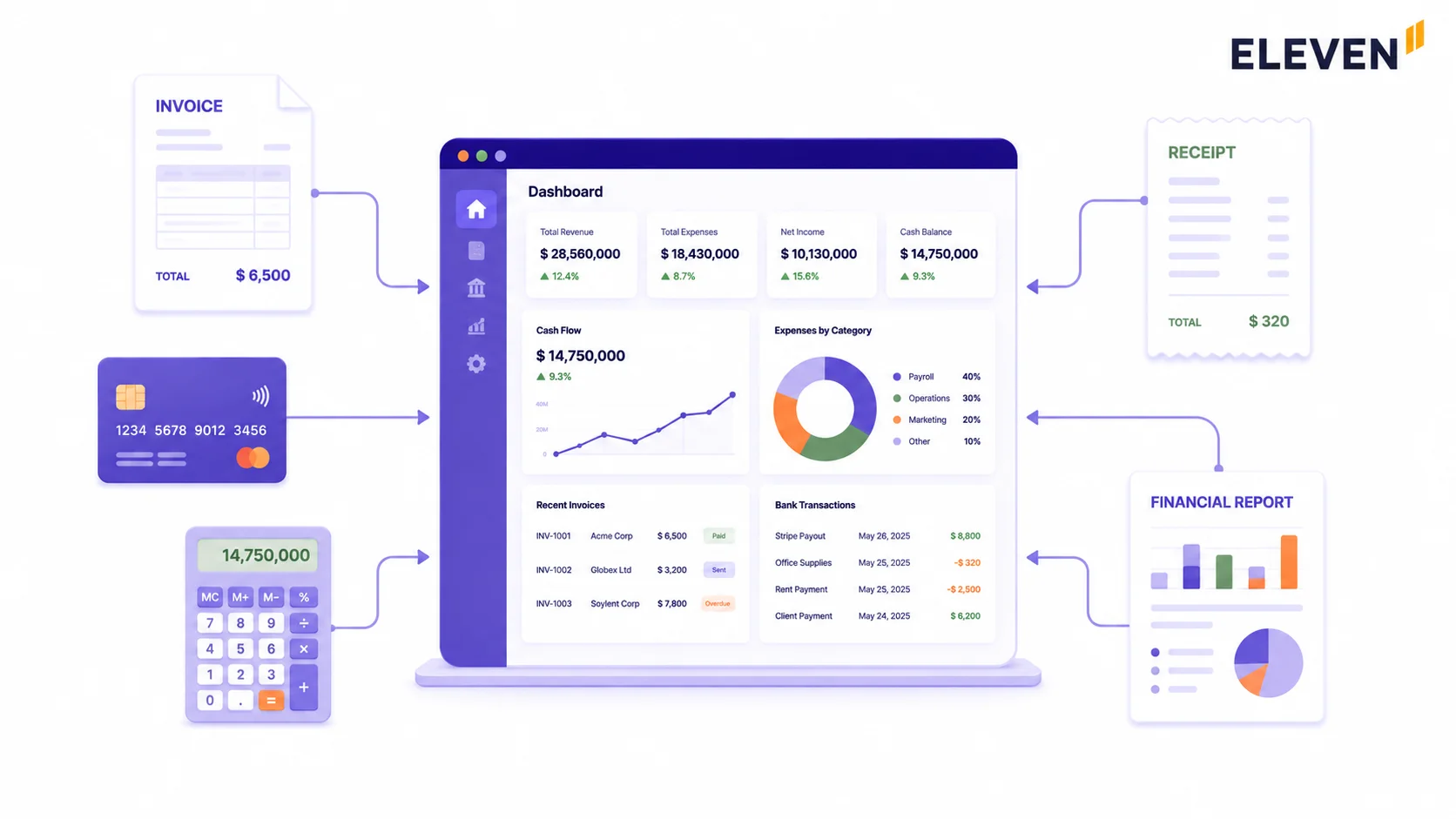
At its most basic, it replaces manual bookkeeping by:
- Tracking income and expenses,
- Generating invoices,
- Reconciling bank accounts, and
- Producing financial reports without requiring every entry to be made by hand.
More advanced platforms go further: connecting with payroll systems, tax tools, procurement platforms, and ERP systems so finance teams get a single, integrated view of the whole business rather than piecing information together from multiple sources.
Most modern accounting software is cloud-based, which means your financial data lives on the provider's servers rather than your own computer or internal network, accessible in real time from any device, with automatic backups and no IT infrastructure to maintain yourself.
Note: The global accounting software market was worth $19.38 billion in 2024 and is expected to reach $31.25 billion by 2030, growing at 8.4% annually. Cloud-based (SaaS) software is projected to account for 61.9% of that market in 2025, driven by lower upfront costs, easier maintenance, and the shift toward remote and distributed finance teams.
What Are the Main Types of Accounting Software?
Not all accounting software is built for the same buyer. The right category depends on your organization's size, structure, and what you're actually trying to manage.
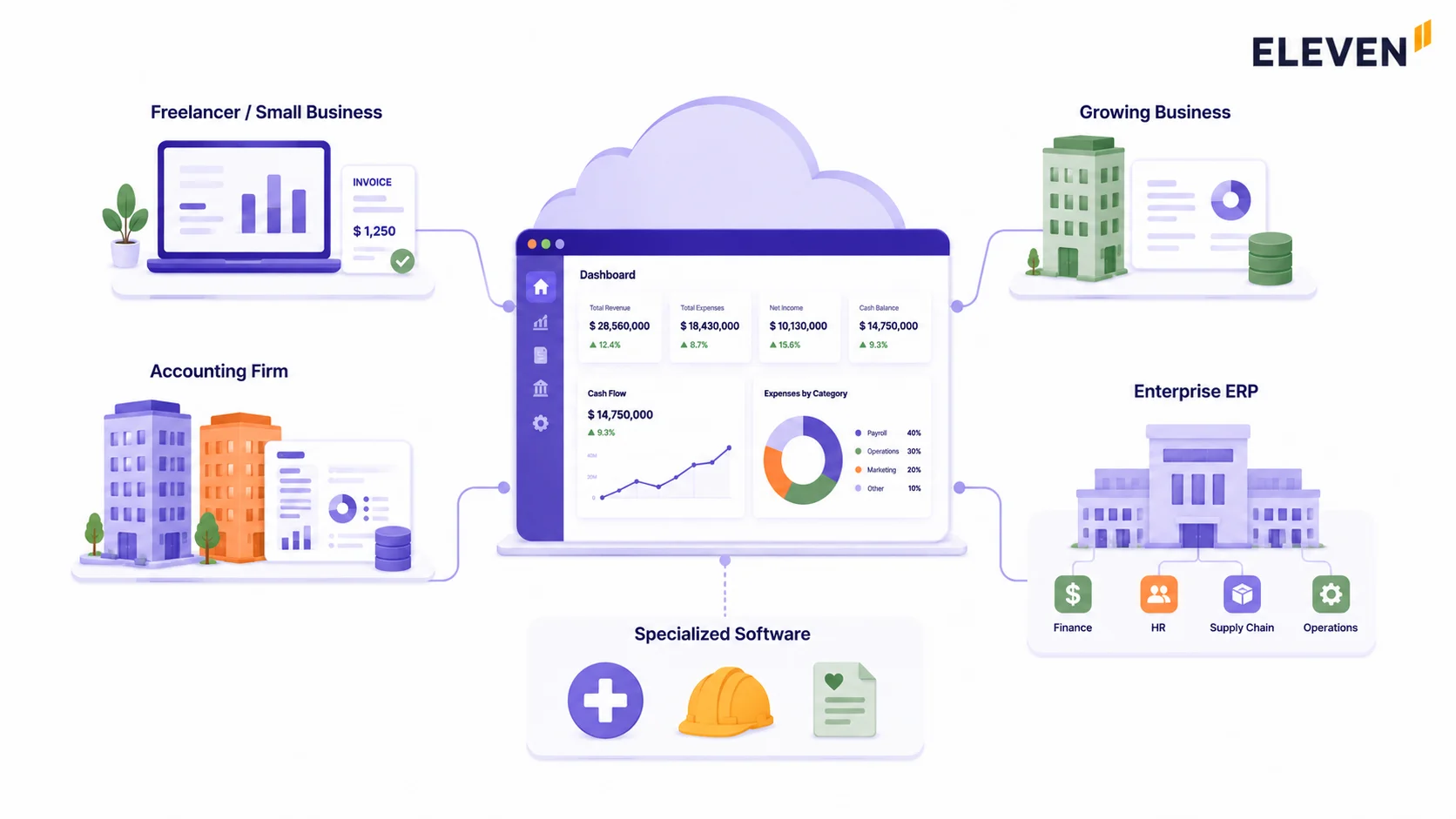
Small Business Accounting Software
These platforms are simple and affordable, and they handle invoicing, expense tracking, bank feeds, and basic reporting, which is enough for a freelancer, a small retail business, or a service provider who needs clean books without a steep learning curve.
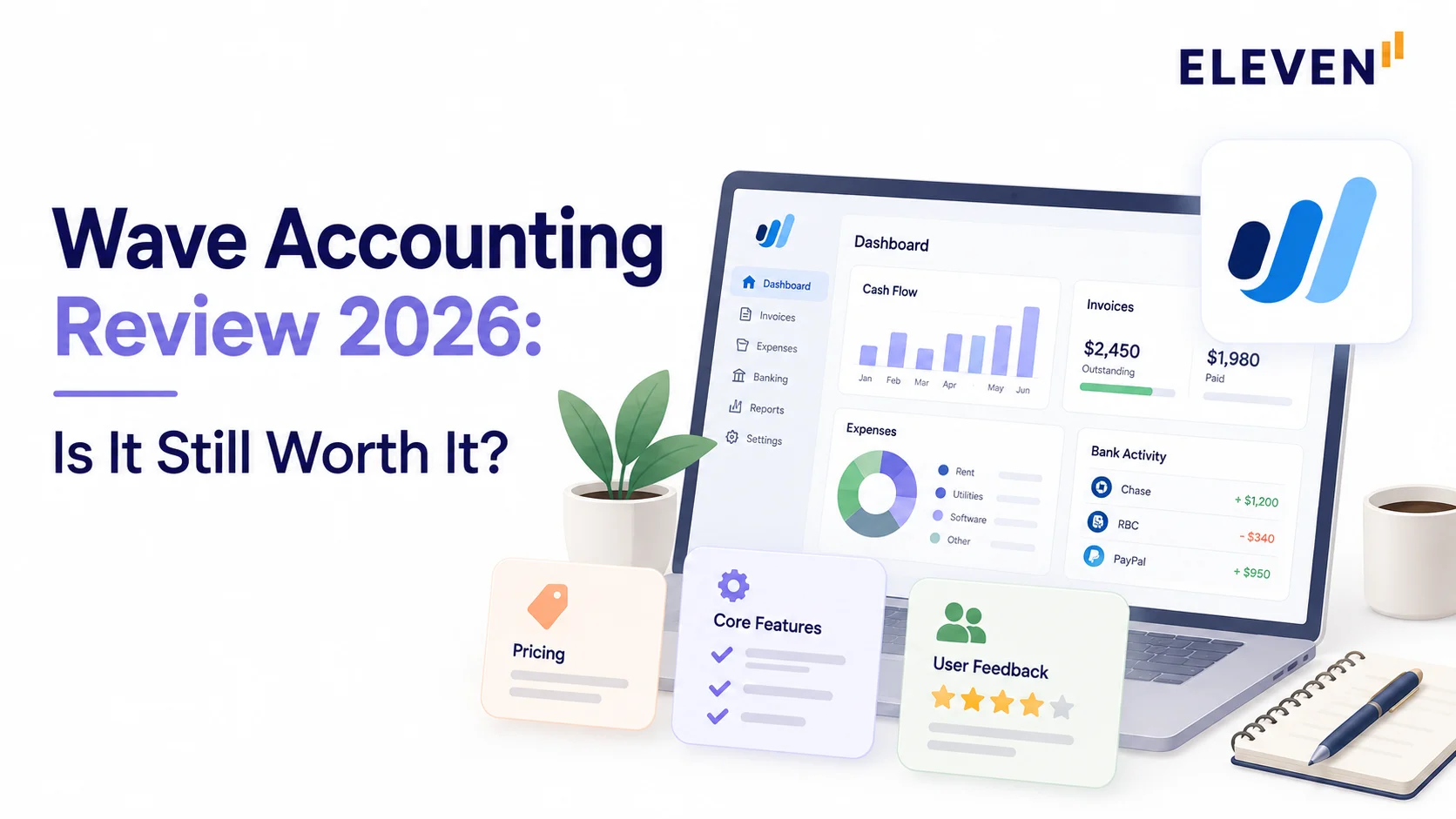
Examples include QuickBooks Simple Start, Wave, and FreshBooks. Subscription pricing keeps upfront costs low.
Mid-Market Accounting Software
For growing businesses that have outgrown the basics but don't need a full ERP, mid-market accounting software is the right fit.
These platforms add multi-user access, project tracking, inventory management, and more advanced reporting.
QuickBooks Advanced, Xero, and Zoho Books sit in this tier. They offer solid feature sets at a price point that doesn't require an IT department to maintain.
Multi-Entity and Professional Services Platforms
These platforms are built for accounting firms managing multiple client entities, family offices running complex portfolio structures, or holding companies with subsidiaries across different jurisdictions.
The core requirement is different from small business software: these manage many sets of books simultaneously, producing consolidated group financials and maintaining governance and audit readiness across the whole structure. Examples in this category include Eleven and Sage Intacct.
If this is your situation, our guide on types of accounting systems covers the ledger architecture differences that determine whether a platform can actually support this: flat ledgers vs. dimensional systems vs. native multi-entity platforms.
Enterprise ERP Systems
Full enterprise resource planning platforms that extend well beyond accounting into operations, HR, supply chain, and manufacturing.
Oracle NetSuite, SAP, and Microsoft Dynamics fall here. The accounting module is comprehensive, but it's one piece of a much larger (and much more expensive) system.
Implementation typically takes months and requires dedicated IT and consulting resources.
Specialized Software
These are built for specific industries or functions.
- Construction firms use job-costing platforms like Sage 100 Contractor.
- Nonprofits use fund-accounting software.
- Healthcare organizations need platforms that handle medical billing.
- Payroll and tax compliance tools also fall here; they can stand alone or function as add-on modules within a larger accounting system.
Cloud vs. On-Premises
Note: On-premises only makes sense today if your organization has strict data sovereignty or regulatory requirements that prohibit cloud hosting. For most businesses and accounting firms, cloud-based software is the default.
Who Uses Accounting Software?
Every organization that handles financial transactions needs some form of accounting software. However, the kind of software they need depends on their workflow.
Note: The most common mismatch in accounting software selection is a CPA firm or family office choosing a platform designed for a single business's own books (QuickBooks, Xero, or FreshBooks) and then building workarounds for the multi-entity and consolidation requirements the platform was never designed to handle. The category name is the same, but the underlying architecture is fundamentally different.
What Features Should an Accounting Platform Have?
Before evaluating advanced capabilities, make sure any platform you're considering covers the fundamentals reliably.
What to Watch For: If a platform you’re evaluating is weak on any of the above, that’s a problem before you even get to more advanced functionality. Don’t let a polished interface or a competitive price distract from gaps in the fundamentals.
Which Advanced Features Make an Accounting Software Great?
The basics get the job done. These features are what separate a platform that works from one that actually moves the needle for a growing or complex organization.
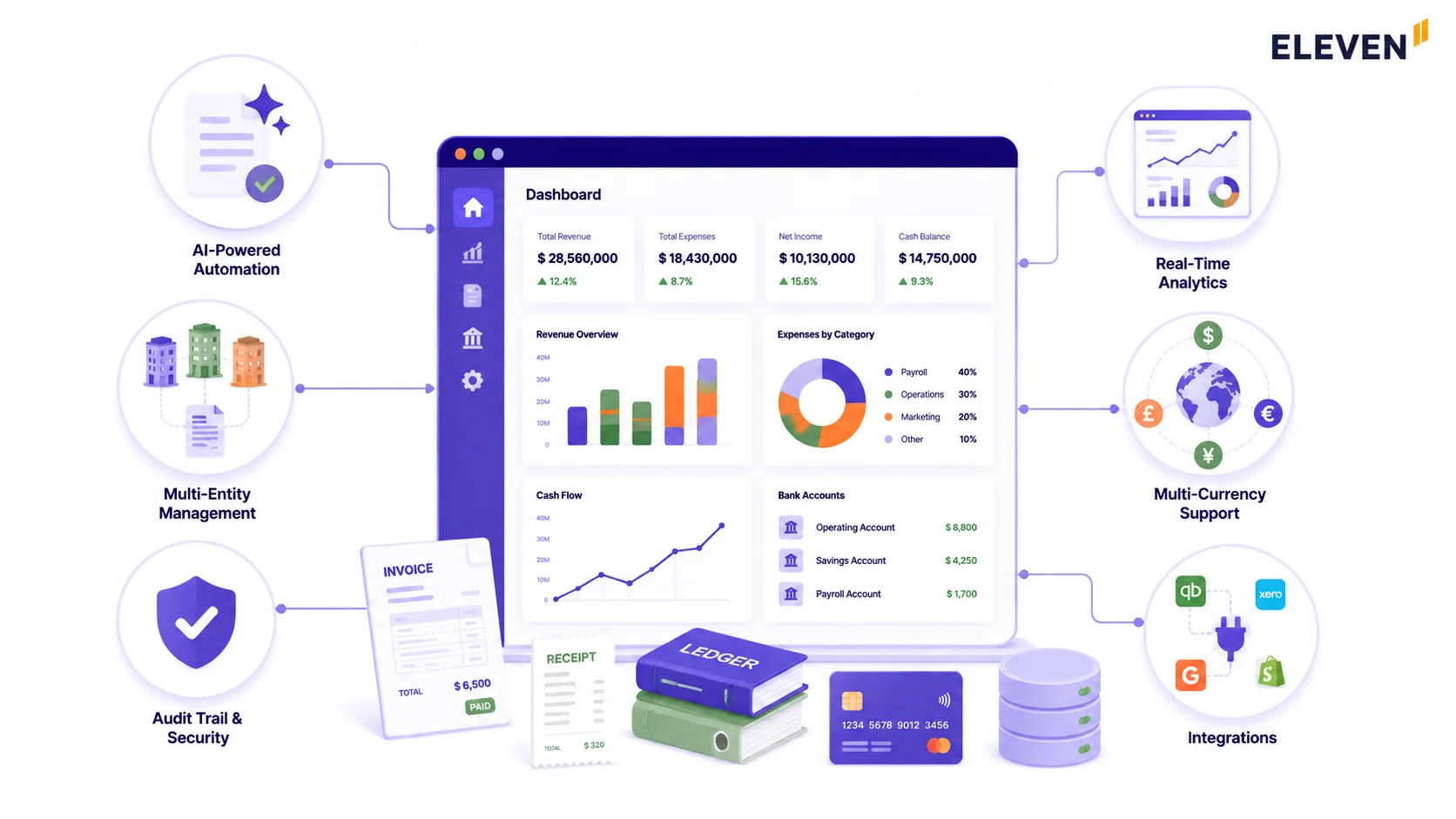
Real-Time Dashboards and Reporting
Modern platforms surface live financial data (revenue trends, expense breakdowns, and cash position) so decisions are based on what's happening now, not last quarter.
The best platforms let you customize dashboards by role: a CFO sees consolidated group financials, whereas a department head sees budget utilization. Everyone gets the view they need without sifting through irrelevant data.
Multi-Entity and Multi-Currency Support
For organizations managing more than one legal entity or operating across borders, this isn't optional.
It determines whether the platform can consolidate group financials natively or whether your team is exporting reports and rebuilding the consolidation in a spreadsheet every period.
For a detailed breakdown of what this actually requires technically, see our multi-entity accounting guide and our multicurrency accounting software comparison.
Automation and AI-Assisted Data Capture
AI-powered invoice and receipt extraction, automated bank feed matching, and rule-based transaction categorization have moved from premium features to standard expectations.
The platforms doing this well now achieve 90% to 96% automatic matching rates, which means the finance team's time goes to reviewing exceptions rather than entering data.
Budgeting and Forecasting
The ability to set financial targets, track performance against them, and model future scenarios is what separates a finance function from a finance strategy.
Look for rolling forecasts, variance analysis, and scenario modeling. These are the features that let a finance team move from reporting on the past to actively shaping what comes next.
Audit Trail and Access Controls
Every change to financial data should be logged, timestamped, and attributed to a specific user.
Granular permission controls ensure sensitive information is only visible to those who need it, which is critical for compliance, governance, and peace of mind during audits.
In a multi-entity environment, this means entity-level controls, not just system-wide ones.
Integrations
Your accounting platform shouldn't be an island. Good platforms integrate natively with CRMs, payroll systems, payment processors, expense management tools, and banking feeds, eliminating manual data transfer and the errors that creep in whenever the same number gets re-entered across multiple systems.
How to Choose the Right Accounting Software
With dozens of platforms available, the evaluation framework matters as much as the feature list.
Which Accounting Software Do CPA Firms and Family Offices Need?
Most of this guide applies equally to a small business owner and a finance director at a large company. For CPA firms and family offices, there's one additional category worth naming directly.
The challenge is managing many sets of books simultaneously, each legally separate, each with its own chart of accounts and compliance requirements, all needing to roll up into a consolidated view at the group level.
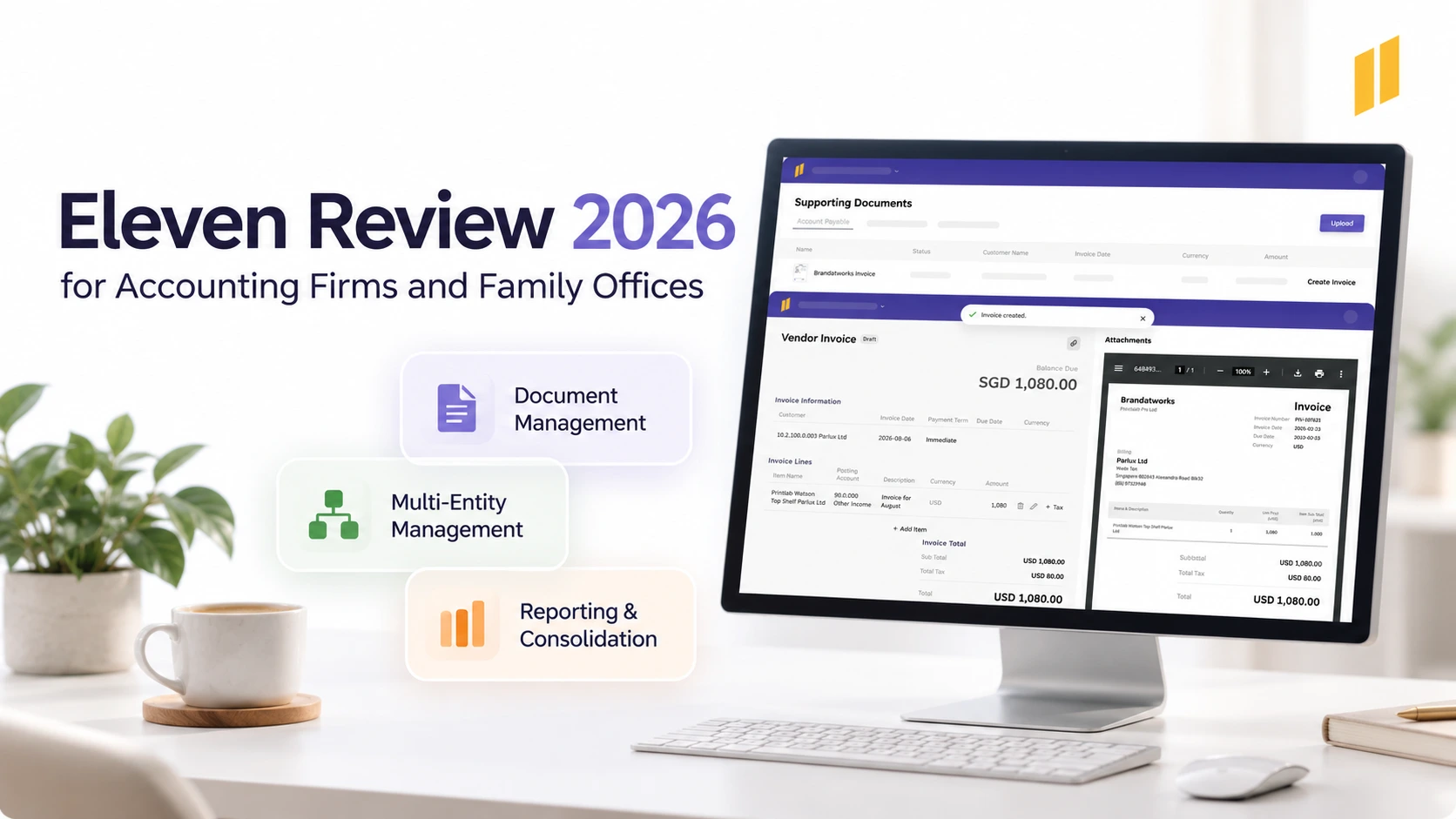
Unlike other accounting software, Eleven is built specifically for this operating model: CPA firms managing multiple client entities and family offices overseeing complex portfolio structures.
Managing books for multiple entities, not just one? Start a free 7-day Eleven trial today. No credit card is required. →
For CPA firms and family offices, the biggest difference is not the number of accounting features a platform offers but the way it handles multiple entities.
Eleven is designed around this multi-entity model, allowing accounting teams to manage separate general ledgers, charts of accounts, currencies and reporting settings from one platform.
Instead of creating separate accounting environments for every company or client, accountants can move between entities within the same system while maintaining entity-level permissions and controls.
This architecture works particularly well for CPA firms that need to manage books for multiple clients.
Each client entity can retain its own accounting structure and access permissions, while the firm can use the same platform and workflows across its client base.
For multi-family offices, Eleven provides a similar structure at the family level: each family's entities can sit within an isolated environment, with staff access restricted to the families and entities they are responsible for.
For family offices, Eleven also goes beyond standard multi-entity bookkeeping. It supports investment accounting at the general-ledger level, including investment transactions, cost tracking, income and distributions, foreign-currency investments, and journal entries for changes in the carrying value of assets such as private equity and real estate.
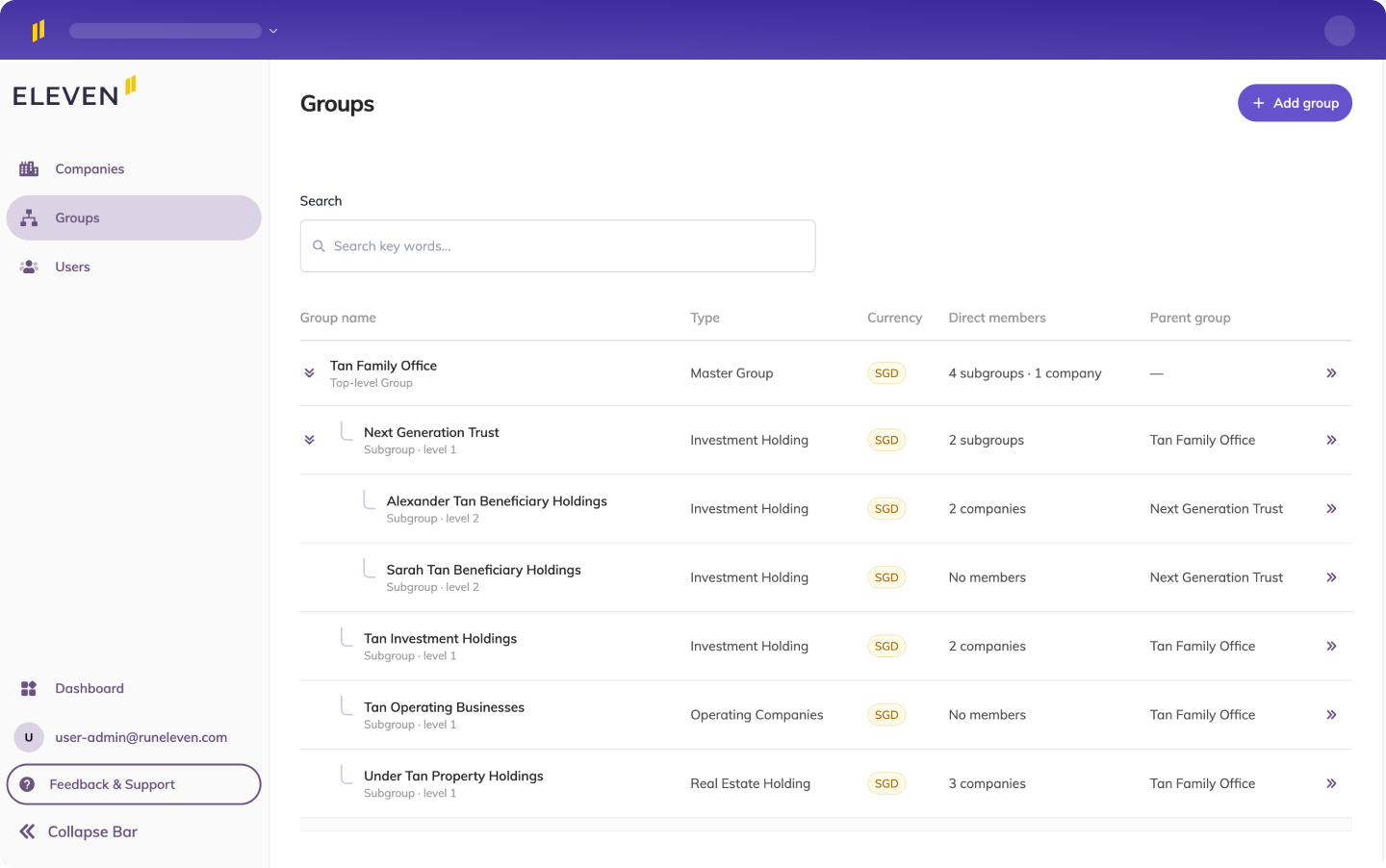
Group Management provides another layer that is particularly relevant to complex family structures.
Holding companies, investment vehicles, trusts, operating businesses and other entities can be organised according to their relationships, giving teams a view of the ownership hierarchy rather than simply a list of separate companies.
Frequently Asked Questions (FAQs)
What is accounting software?
It’s a digital tool that automatically tracks and manages your money.
Instead of using messy paper logs or spreadsheets, it handles invoicing, expenses, banking, and payroll in one place. Most modern software is cloud-based, meaning you can log in from any device.
What are the main types?
- Small Business: Simple tools for single businesses (like QuickBooks, Wave, or FreshBooks).
- Mid-Market: Platforms for growing teams needing more automation (like Xero or Zoho Books).
- Multi-Entity and CPA: Advanced tools for accounting firms or businesses with multiple companies (like Eleven or Sage Intacct).
- Enterprise (ERP): Massive systems for corporate giants (like NetSuite or SAP).
- Specialized: Software built specifically for industries like construction or nonprofits.
What features should it have?
Every platform needs the basics: a general ledger, tracking for bills and sales, bank connection, payroll, tax tools, and financial reports.
Growing businesses should also look for live dashboards, multi-currency support, AI receipt scanning, and strong security trails.
Small Business vs. CPA Software: What's the difference?
Small business software is built for one company to manage its own money simply and affordably. CPA software is built for accounting firms to manage dozens of different clients at the same time, combine multiple companies' financials, and handle strict compliance.
Is cloud-based software safe?
Yes, usually safer than keeping files on your own computer. Reputable brands use bank-level encryption, back up your data automatically, and require secure logins.
If your laptop breaks or gets stolen, your financial data is still perfectly safe online.
How do I choose the right one?
Look at your company structure first, not the price tag. A single shop and a company running five separate businesses need completely different tools. Use free trials to test everyday tasks, factor in the setup costs, and pick a platform that can grow with you.
Was this article helpful?
Thank you! Your feedback has been received!
Oops! Something went wrong while submitting the form.