Wave Accounting Review 2026: Is It Still Worth It?


Wave's 2026 pricing, the June plan changes, and what 32 recent one-star reviews say about payments and payroll.
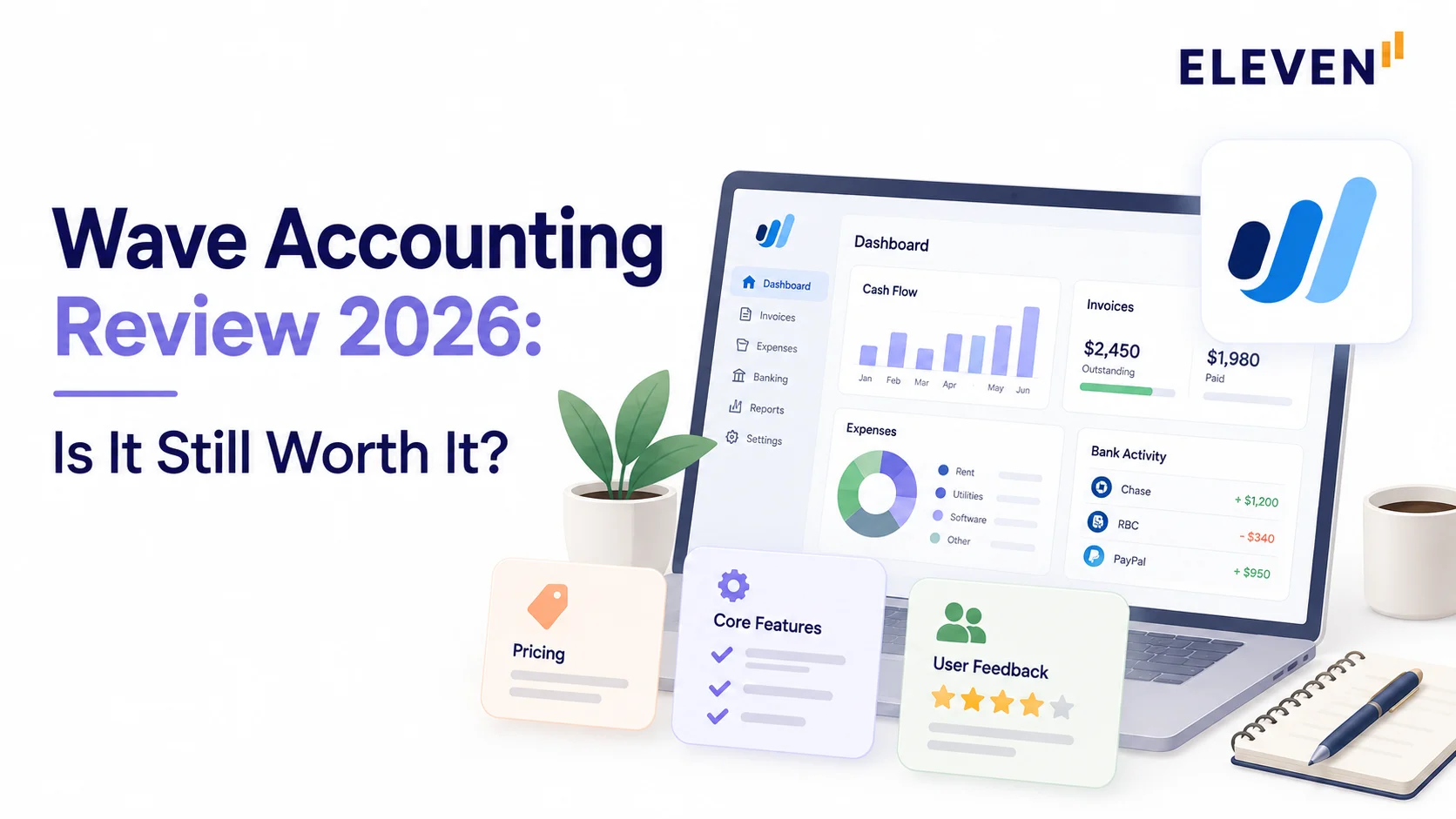
Wave is still free to start, but since June 2026 bank feeds and accountant access require the $19-a-month Pro plan for each business. We coded 32 one-star reviews from Trustpilot, BBB, and G2 and found that most complaints involve money moving through Wave, from held payments to payroll problems, rather than the bookkeeping itself. We also explain what Wave's payment and payroll terms allow, what its payroll guarantee actually covers, and what it means for accountants whose clients use Wave.
Wave Accounting is still free to start in 2026, but the free plan lost bank feeds and accountant access in June, and most recent complaints are about payments and payroll, not the bookkeeping.
We looked at it from two sides: the small business owner using it and the accountant whose clients do. Our Wave Accounting review gives you the full picture.
Is Wave Accounting Good?
Wave is good if you run a small service business and want free invoicing and simple books. It's risky if you rely on it to collect big payments or run payroll, and it got more expensive for accountants this year.
Here’s what you need to know if you’ve only got a minute:
- Free still covers the basics: unlimited invoices, estimates, bills, and reports.
- Bank feeds and accountant access now cost $19/month per business on the Pro plan.
- 23 of 32 recent one-star reviews involve money moving through Wave: held payments (14) or payroll problems (9). Only one was about wrong bookkeeping numbers.
- Wave currently restricts new business signups to the US and Canada (though some existing international legacy accounts maintain limited access).
How Much Does Wave Cost?
Wave's Starter plan is free, and Pro costs $19 a month per business ($25 CAD). Payroll, payment processing, and bookkeeping help cost extra.
Card payments cost 2.9% + $0.60 (3.4% for Amex), and bank payments cost 1%. Pro waives the $0.60 transaction fee on your first 10 card payments each month (a maximum savings of $6).
The decision to upgrade therefore hinges on operational tools: automatic bank feeds, auto-categorization rules, receipt scanning, automated payment reminders, and multi-user access.
For a wider comparison, see our guide to cloud accounting software pricing.
What changed in June 2026: While Wave previously introduced the Starter and Pro plan split, older accounts initially kept grandfathered features. On June 1, Wave transitioned legacy free accounts to the Starter plan, cutting off their grandfathered automatic bank feeds and revoking access for invited bookkeepers or accountants unless the organization upgraded to Pro ($19/month per business).
What Features Does Wave Accounting Include?
Wave covers invoicing, bookkeeping, bank connections, receipt scanning, and basic reports, with payments and payroll as paid add-ons.
It doesn't track inventory, and its reports stay simple.
How Does Wave Invoicing Work?
Invoicing is free and it's Wave's best feature. You can send unlimited branded invoices and estimates, ask for deposits, turn an estimate into an invoice in one click, and set up recurring billing.
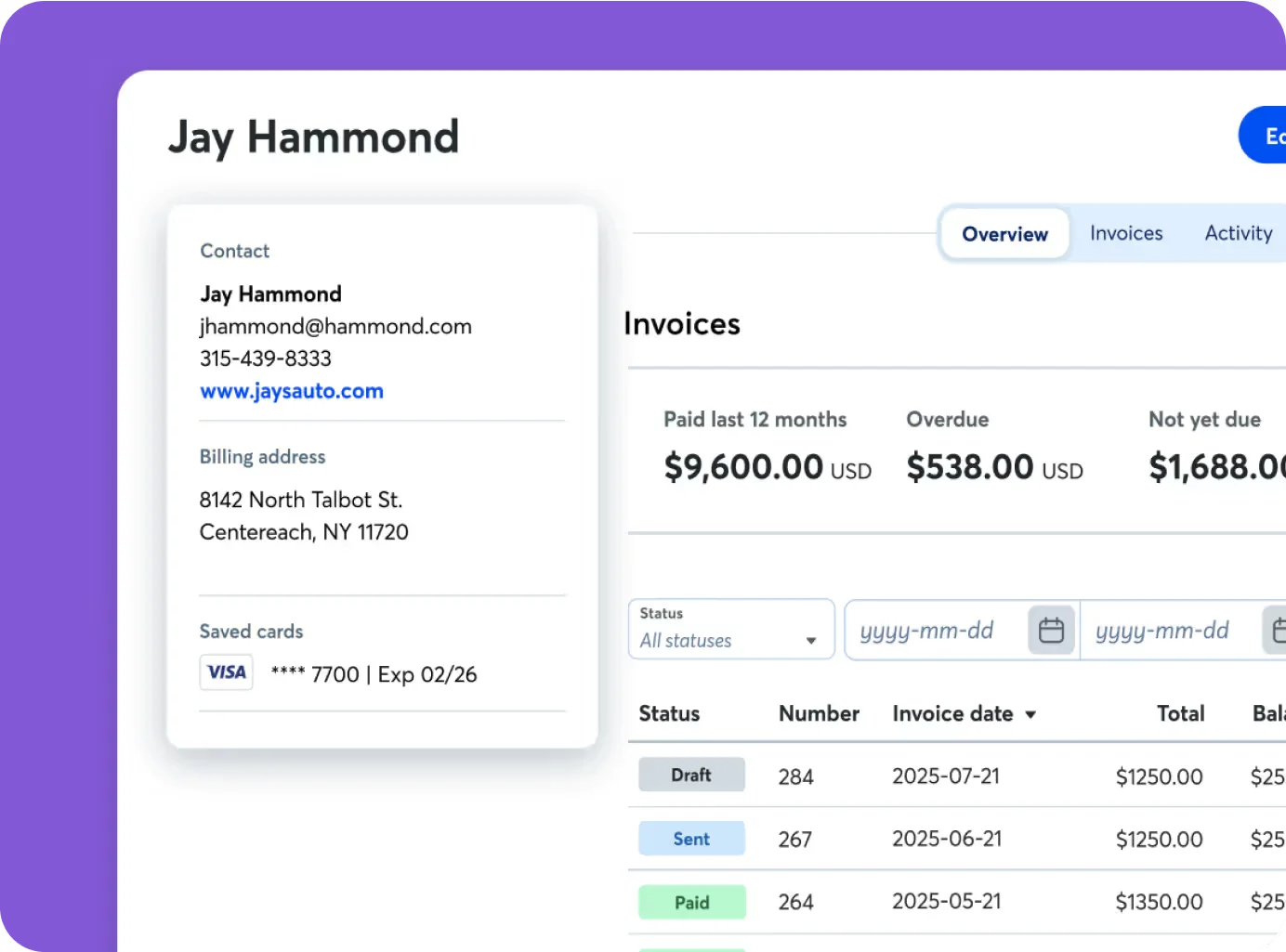
Automatic late payment reminders need Pro or Wave Payments, but reviewers like how quickly they can draft invoices and match them to their brand nonetheless.
Does Wave Connect to Your Bank?
Wave can connect to your bank on Pro. It uses Plaid for read-only bank connections, and Starter users have to upload their bank statements by hand.
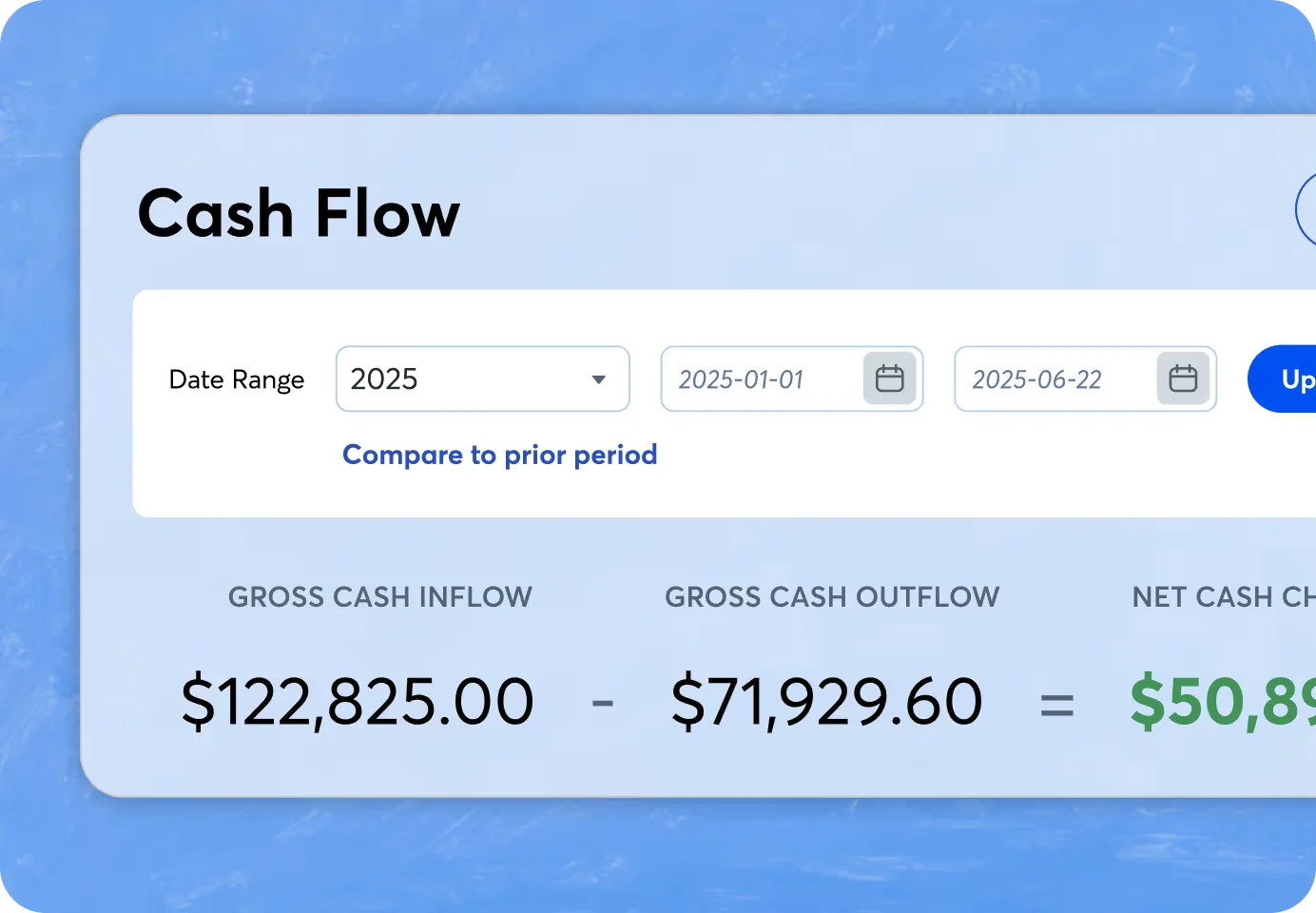
When it works, setup is quick: "The initial setup was super easy, taking less than 5 minutes to connect all my bank accounts," said Connie S., an owner/operator, on G2.
Wave does warn that not every bank is supported and connections can break.
Does Wave Scan Receipts?
Wave can scan receipts on Pro. You get unlimited receipt scanning in the mobile app, and you can forward receipts by email.
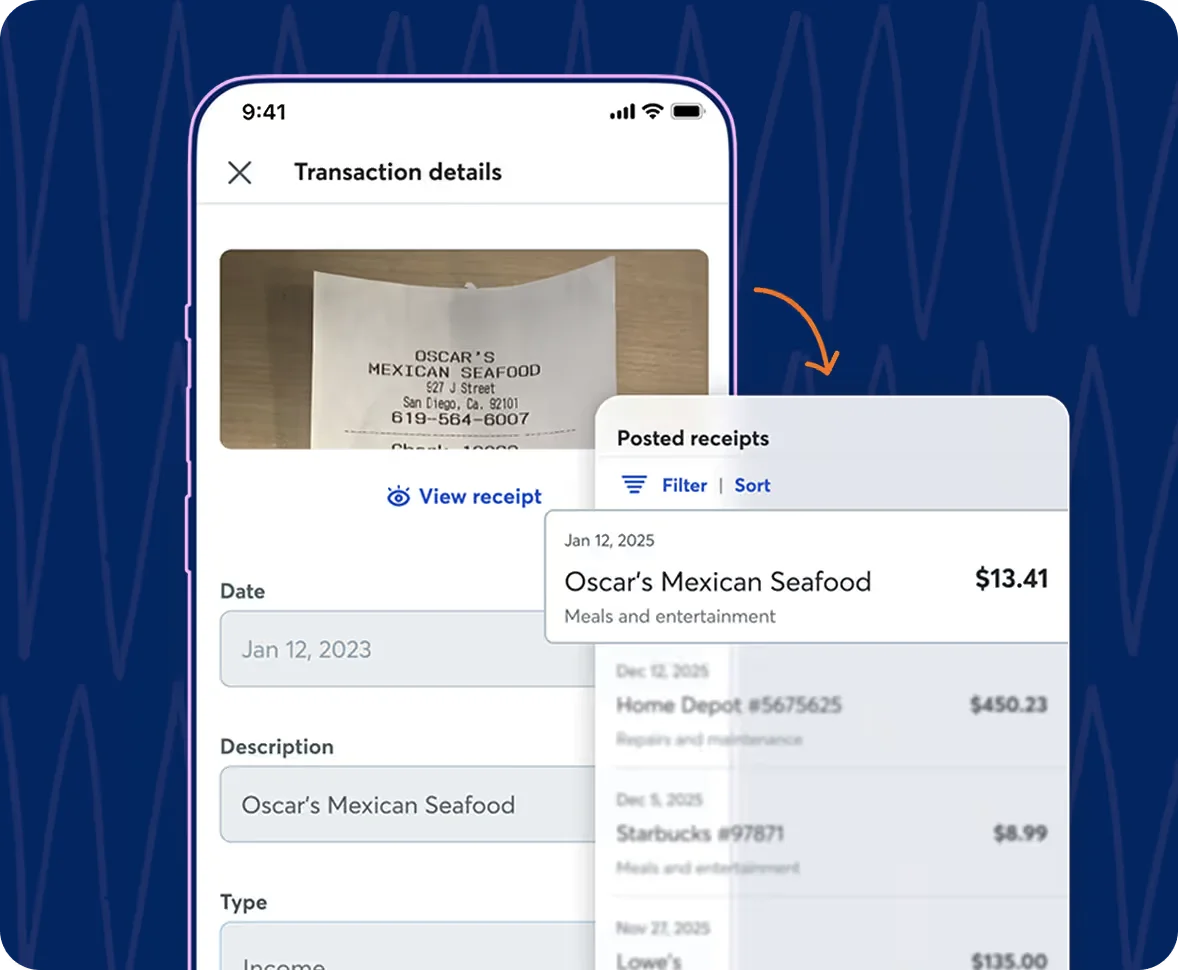
Note that Wave's terms say receipt scanning isn't PCI-DSS compliant, so mask full card numbers before you upload.
What Reports Does Wave Include?
Wave includes profit and loss, balance sheet, and cash flow, with month-to-month and year-to-year comparisons.
Standard reports provide adequate baseline summaries for simple, cash-basis sole proprietors. However, they lack custom drill-down capability.
- As Arpit M., a vice president noted, “You can't customize or drill down reports like you can with advanced software.”
If your business carries inventory, manages fixed-asset depreciation, runs complex payroll schedules, or files as an S-corp or partnership, your accountant will likely need supplemental schedules and manual year-end adjustments outside Wave.
Does Wave Handle Multiple Businesses and Currencies?
Wave handles multiple businesses and currencies with limits:
- A single Wave account can manage up to 15 distinct business profiles, but each requires its own Pro subscription for automated bank feeds, and Wave offers no native multi-entity consolidation.
- You can invoice in any currency, but we found nothing on currency revaluation, and Arpit M. called multi-currency "tricky for international users” on G2.
If either matters to you, see our guides to multi-entity accounting and multi-currency accounting software.
What Do Wave Users Complain About?
Wave users mostly complain about money.
Wave has 4.3/5 on G2 (325+ reviews), 3.3/5 on Trustpilot (550+ reviews), and 1.02/5 from 50 BBB reviews.
We sorted 32 one-star reviews from 2025 and 2026 by their main complaint:
27 of the 32 also say they couldn't reach a person. Wave only offers email and chat support on weekdays to customers paying for something, and there's no phone line.
One Reddit user summed it up: "Basic accounting is fine. Don't touch Wave for payments or payroll.”
One-star reviews show what goes wrong, not how often. But G2's data shows that the most common tool people move to after Wave is Gusto, a payroll provider.
Why Does Wave Hold Payments?
Wave's payment processing terms give the platform broad discretion to delay payouts or establish rolling reserves when its automated risk models flag an account.
Under the merchant agreement, Wave can:
- Delay disbursements based on changes in transaction volume, perceived risk, or operational history.
- Require reserve funds if processing volumes spike unexpectedly.
- Hold specific transactions during verification or if a dispute window is active.
For service providers billing large milestone payments, risk reviews can freeze operational funds unexpectedly while compliance teams review contracts and invoices.
Pro Tip: On large, high-value invoices, provide clients with direct bank transfer instructions (ACH/wire) alongside card payment links so an unexpected processor hold won't freeze your entire operational cash flow.
Is Wave Payroll Reliable?
Wave Payroll works for plenty of small employers, but it's behind 9 of the 32 one-star reviews, and its guarantee is narrow (as of September 2026).
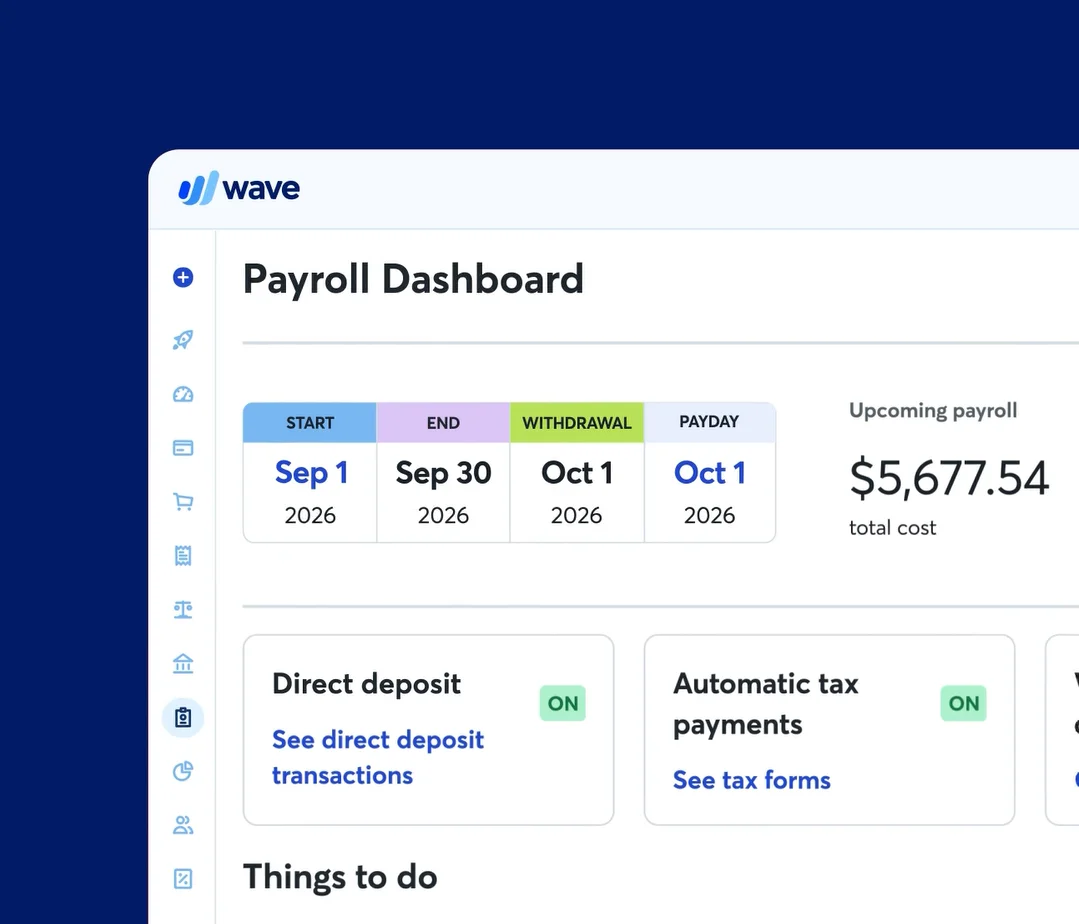
Reviewers on Trustpilot, such as Jan W., describe employees going unpaid for nearly two weeks and payroll taxes not being sent to the IRS for months.
While Wave markets a "100% payroll accuracy guarantee," the fine print is specific.
The guarantee covers only IRS and state tax penalties directly caused by Wave’s own calculation errors reported within 90 days.
It does not cover the underlying taxes owed, accrued interest, penalties resulting from incorrect employer input data, or filing delays unrelated to calculation bugs.
Reimbursement is capped at the greater of $500 or the total payroll fees paid to Wave over the preceding 12 months.
Pro Tip: If you process payroll through Wave, verify that your federal payroll tax deposits appear accurately in the IRS EFTPS portal each quarter, and log into your respective state and local agency portals to confirm regional withholding and unemployment remittances.
Can Your Accountant Access Wave?
Your accountant can access Wave only if your business maintains an active Pro subscription. Wave assigns predefined user roles (such as Editor or Viewer) rather than fully customizable permission sets.
If the subscription lapses, Wave's terms say invited users "will immediately lose access," after a 15-day grace period for failed payments.
- For an accountant with 10 clients on Wave, that's 10 × $19 = $190 a month paid by the clients.
- It’s also 10 separate cards that can lock you out of the books.
- Wave does let you switch between client businesses from one login, which is handy.
Wave also stops at the border. Its terms say it isn't meant for use outside the US and Canada, and its help center says users elsewhere may be redirected to Zoho Books.
Our Zoho Books review covers that option.
How Does Wave Protect Payment and Account Data?
Wave applies distinct security standards across its payment and software workflows:
- Payment processing: Wave is owned by H&R Block and holds PCI-DSS Level 1 certification for its payments infrastructure, ensuring tokenized card handling and standard payment-grade encryption.
- Receipt scanning limitations: Wave’s terms explicitly state that its receipt-capture and document-upload tool is not PCI-DSS compliant. Users should never upload receipts displaying complete credit card numbers or sensitive account details without redacting them first.
- Data privacy and deletion: Wave’s privacy agreement allows data sharing across H&R Block affiliates for marketing (with an opt-out mechanism). When an account is closed, Wave reserves the right to delete stored data after 60 days, making prior export essential.
- Subscription oversight: Archiving a business profile inside your account doesn’t automatically cancel an active Pro subscription; subscriptions must be canceled explicitly in billing settings to stop recurring charges.
How Does Wave Compare to Eleven for Accounting Firms?
Wave is cheaper and includes payments and payroll. Eleven is built for firms managing many entities and currencies.
We scored both on the same scale:
- 1 = documented
- 2 = shown in a demo
- 3 = confirmed by users
We say more about firm tools in our guide to accounting software for CPA firms, and on groups of companies in our multi-entity accounting explainer.
Paying for Wave Pro Client by Client? Eleven Puts Them All Under One Login
If you're a solo business owner managing straightforward client billing, Wave's Starter plan offers an approachable entry point.
If you handle high-ticket invoices or time-sensitive employee payroll, keep a secondary payment route on hand and consider comparing dedicated payroll providers where timing guarantees and comprehensive penalty protections are critical.
For accounting firms managing multiple entities, paying for Pro client by client quickly compounds monthly software overhead.
If you manage books for several clients, Eleven lets your whole firm work across every entity from one login, each with its own ledger. Every plan includes unlimited users with pricing starting at $35/month per entity, and full migration is included on Professional and Enterprise plans.
Frequently Asked Questions (FAQs)
Is Wave accounting really free?
Yes, the Starter plan is free with no time limit. Bank feeds, receipt scanning, and extra users need Pro at $19 a month per business.
Does Wave have phone support?
No. Paying customers get email and chat on weekdays, 9 a.m. to 5 p.m. Eastern.
Can I use Wave outside the US and Canada?
No. Wave's terms say it isn't intended for use outside those two countries.
How do I cancel Wave Pro?
Cancel in your account at least a day before renewal. You keep your data on the free plan, but partial months aren't refunded.