Wave Accounting Review 2026: Is It Still Worth It?
Home
/
Blog
/
Cloud vs. Desktop Accounting Software: Which is Right for Your Business?
Cloud vs. Desktop Accounting Software: Which is Right for Your Business?
Written by
Reviewed by
In this comprehensive comparison, we explore the strengths and weaknesses of cloud-based versus desktop accounting solutions to determine which technology best supports the needs of contemporary businesses.
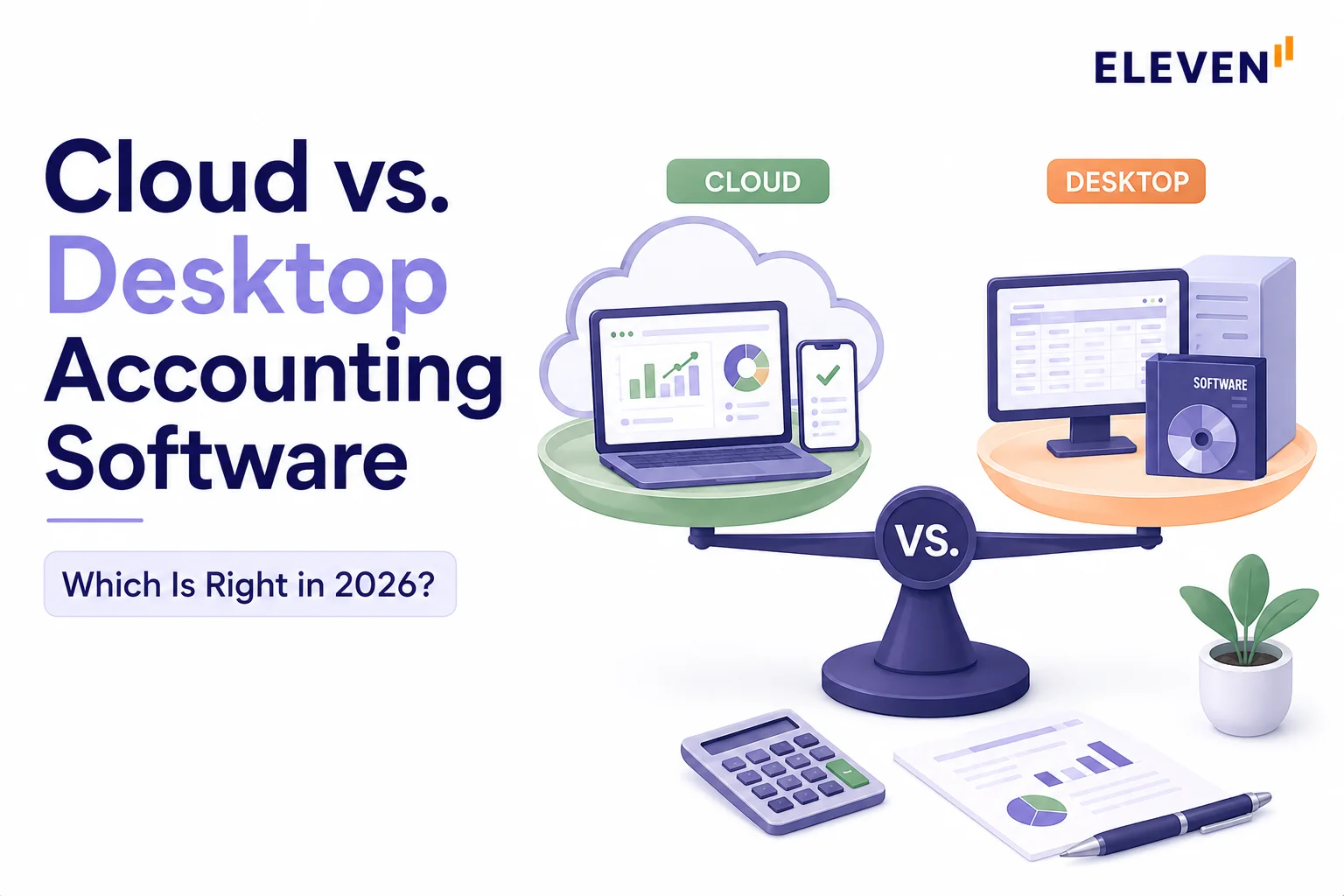
Cloud accounting software runs on the provider's servers and is accessed through a browser, with automatic updates, real-time collaboration, and no local installation. Desktop accounting software installs on a specific computer, storing data locally with no ongoing internet dependency. For most businesses in 2026, cloud is the more practical default, especially with Intuit's rolling discontinuation of QuickBooks Desktop's non-Enterprise line. Desktop still makes sense for a narrower set of cases: strict data residency requirements, unreliable internet access, or workflows that genuinely don't benefit from real-time multi-user access.
The cloud vs. desktop accounting software decision used to be simple: desktop software was mature and cloud was new. That’s no longer true.
Cloud accounting is now the default for most businesses, and the desktop side of the market is actively shrinking, not staying flat. Intuit’s own QuickBooks Desktop timeline, the legacy software installed locally on a single machine or local server rather than accessed through a web browser, is the clearest evidence of where the industry is heading.
This guide compares the two models directly (cost, security, and collaboration) and gives you a straight answer on which one fits your situation.
For a broader explainer on what cloud accounting is and how to move to it, see our cloud accounting overview.
What Is the Difference Between Cloud and Desktop Accounting?
Desktop accounting software is installed on a specific computer or local server, and your financial data lives on that machine.
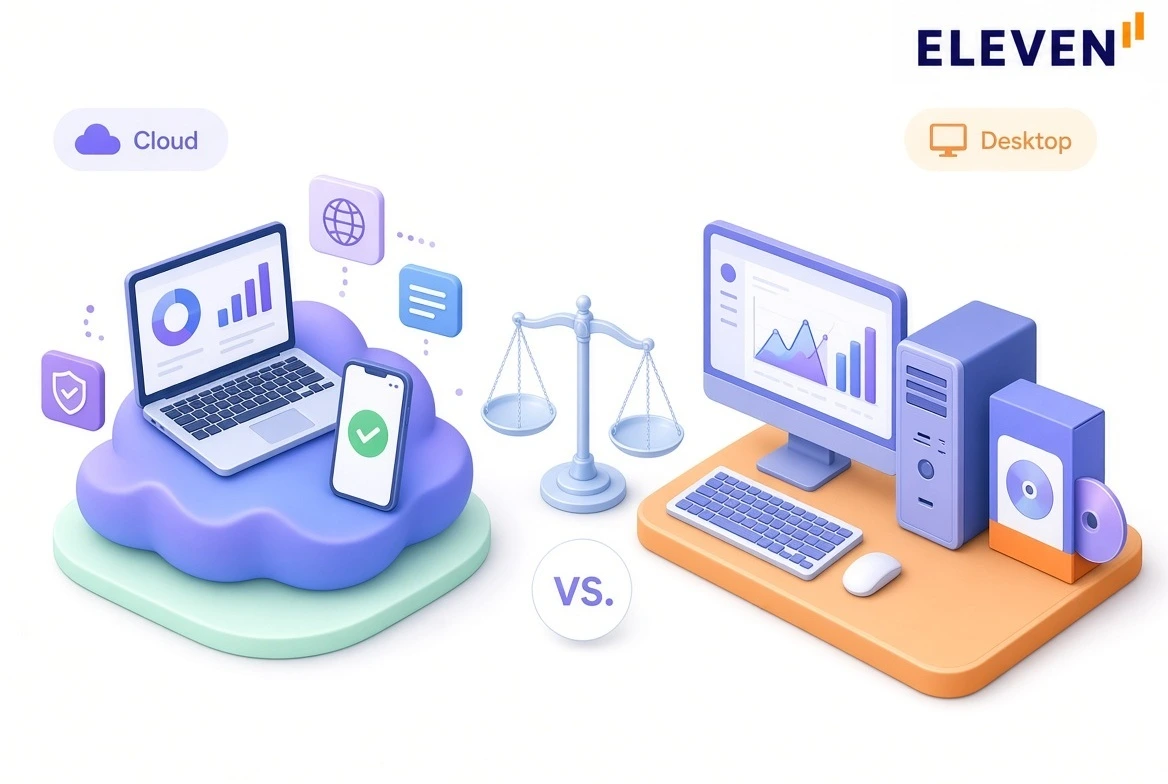
Cloud accounting software runs on the provider's remote servers, accessed through a browser or app from any device with an internet connection.
That single difference drives almost every other distinction between the two: who can access the data, how it gets backed up, how quickly it updates, and what happens when something goes wrong.
How Do Cloud and Desktop Accounting Software Compare?
Cloud accounting used to feel like a compromise compared to mature desktop systems. Today, feature parity has flipped the debate from what it can do to how your team works.
What Happened to QuickBooks Desktop?
QuickBooks Desktop isn't disappearing all at once. It's being phased out on a rolling schedule, and the exact impact depends on which version and product line you're running. This is the specific situation driving a lot of cloud-vs-desktop searches right now.
"Losing support" doesn't mean the software stops opening. Your company file and historical data remain accessible. What actually stops working is anything that connects outside your computer:
Bank feeds disconnect and require manual entry,
Payroll tax tables freeze at whatever rate was last in effect,
Payment processing through Desktop stops, and
No further security patches are issued, which is the part that should concern anyone handling financial data long-term.
What to Watch For: The Enterprise carve-out applies specifically to Enterprise Solutions 24.0 and newer. Older versions followed standard lifecycle rules: Enterprise Solutions 23.0 reached its scheduled sunset on May 31, 2026, losing live feeds and security updates alongside the rest of the 2023 lineup. For organizations committed to an on-premise footprint, Enterprise 24.0+ is the only version actively sold and maintained under Intuit's continuous support model.
When Does Desktop Accounting Still Make Sense?
Cloud is the more practical default for most businesses now, but there are legitimate reasons a business might still choose or stay on desktop software.
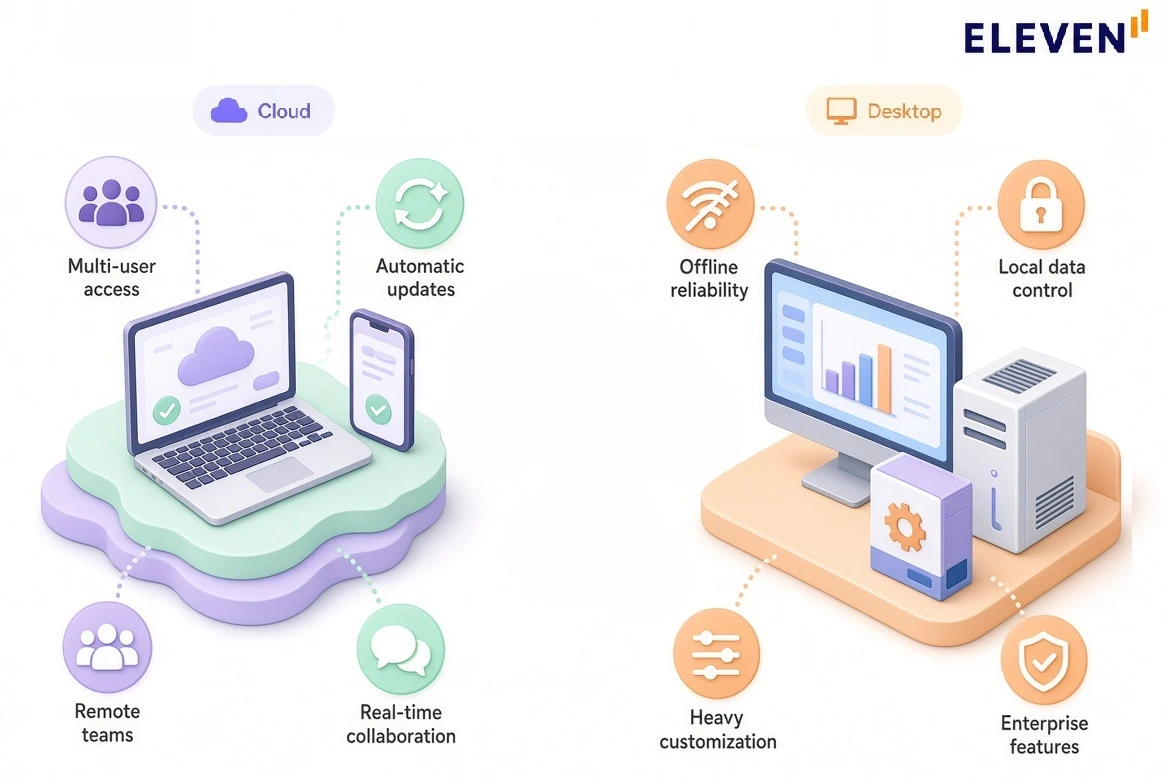
- Strict data residency or offline requirements: Some regulated industries or specific client contracts require financial data to never leave a local, controlled environment. Desktop software genuinely satisfies that in a way a cloud platform, even a well-secured one, structurally can't.
- Unreliable or limited internet access: A business operating somewhere where internet connectivity is inconsistent needs software that keeps functioning without it.
- Deep customization already built around a specific desktop platform: A business with years of custom reports, integrations, and workflows built around a specific desktop tool faces a real migration cost that needs to be weighed honestly, not dismissed.
- Enterprise-scale desktop needs: For businesses that specifically need heavy on-premise inventory, manufacturing, or advanced reporting features, QuickBooks Desktop Enterprise remains a supported, actively developed option, not a legacy dead end.
When Does Cloud Accounting Make More Sense?
Cloud accounting may make more sense to your business for the following reasons:
- Multiple people need access at once: A book-keeper, an accountant, and a business owner all reviewing the same live data simultaneously is a cloud-native capability that desktop software wasn't built for.
- You want automatic backups and security updates without managing them yourself: Cloud providers handle this continuously; desktop software puts that responsibility on you or your IT setup.
- Your team works from more than one location: Remote work, multiple offices, or a distributed bookkeeping team all favor a platform that isn't tied to one physical machine.
- You're already facing a forced migration: If you're on a Desktop version that's lost or is about to lose support, this is a natural decision point to evaluate cloud rather than simply upgrading to the next Desktop version and deferring the same choice.
How Do Cloud and Desktop Accounting Compare Cost-Wise?
The sticker price comparison is misleading in both directions. Desktop's one-time license fee looks cheaper upfront but doesn't stay that way, and cloud's subscription model looks like an ongoing cost but often bundles in things desktop charges for separately.
Pro Tip: When comparing total cost, add up desktop's license/renewal cost plus whatever you're separately paying for backups, IT support, and eventual forced migration, then compare that real total against a cloud subscription over the same multi-year period. The gap is usually smaller and sometimes reversed from what the sticker prices alone suggest.
What Should You Consider Before Migrating from Desktop to Cloud?
If the decision lands on cloud, the migration itself deserves planning, not just a platform choice.
- Standardize the chart of accounts across all related entities beforehand; misaligned account numbers or naming conventions will break multi-entity rollups downstream.
- Map all intercompany transaction paths (loans, shared expenses, management fees) to determine which entities transact with each other before transferring opening balances.
- Clean up parent-child account hierarchies and remove inactive vendors or duplicate ledger items to prevent migrating fragmented historical records.
- Confirm historical data import limits on the target platform (e.g., standard 2-year transactional imports vs. full journal history).
- Validate how custom reports, memorized transactions, and class/department tagging convert into the new system’s dimensional metadata structure.
- Run the cloud platform in parallel with desktop for at least one full monthly closing cycle before decommissioning local company files.
Our accounting system migration guide covers the migration roadmap in more detail, including the sequencing that avoids the most common setup mistakes.
Cloud vs. Desktop Accounting: Which One to Pick?
Not sure which structure is right for your business? Here’s what we recommend:
What Should CPA Firms and Family Offices Consider Specifically?
For firms managing multiple client entities or family offices overseeing several legal structures, the cloud-vs-desktop decision needs extra careful thinking: while high-tier desktop editions like Enterprise can combine multi-company reports, they lack an underlying automated elimination engine.
Without built-in rules to net out intercompany receivables, payables, and management fees, consolidated reporting remains a manual spreadsheet exercise.
Moving off desktop is the ideal inflection point to fix workflow architecture rather than just changing interfaces. A firm managing forty client entities across forty isolated .qbw desktop files has no unified visibility: closing the books requires logging into each file individually, manually compiling forty separate trial balances, and hand-keying eliminations in Excel.
Purpose-built multi-entity cloud platforms replace that siloed structure with a single login, unified chart-of-accounts mapping, and real-time consolidated views across all client entities.
Migrating off desktop and managing more than one entity? See what purpose-built multi-entity cloud accounting looks like. Start a free 7-day Eleven trial →
Frequently Asked Questions (FAQs)
Is QuickBooks Desktop being discontinued?
Not entirely. Intuit stopped selling new subscriptions of Desktop Pro Plus, Premier Plus, and Mac Plus in September 2024, and each version loses full support roughly three years after release. Desktop 2023 lost support on May 31, 2026.
For Desktop 2024 (the final release for Pro, Premier, and Mac Plus), Intuit eliminated the traditional three-year sunset schedule, moving active subscribers on this version to continuous maintenance and compliance updates rather than cutting off support in 2027.
QuickBooks Desktop Enterprise is explicitly not part of this phase-out and continues to be actively sold and supported with no announced end date.
What happens when QuickBooks Desktop support ends?
The software still opens and your existing data remains accessible. What stops working is anything requiring an outside connection: bank feeds disconnect, payroll tax tables freeze at their last update, payment processing through Desktop stops, and no further security patches are released. Live technical support also ends.
Is cloud accounting software safe?
Reputable cloud accounting platforms typically use bank-level encryption, automatic backups, and continuous security monitoring, protections that would be expensive for a small business to replicate on its own local server.
If a laptop running desktop software is lost, stolen, or fails, that data is at direct risk in a way cloud-hosted data isn't, since it was never stored on that machine.
Is desktop accounting software cheaper than cloud?
It depends on the full picture, not just the sticker price. Desktop's license fee looks cheaper upfront, but ongoing renewal fees, add-on costs for payroll and bank feeds, separate backup and IT costs, and periodic forced upgrades add up over a multi-year period.
Once those are tallied, the gap against a cloud subscription is often smaller than the initial price comparison suggests and sometimes reversed.
Can I still use QuickBooks Desktop after support ends?
Yes, the software itself continues to open and your data remains accessible for entry and reporting. You lose bank feeds, current payroll tax tables, payment processing, and security updates.
For a business with real transaction volume or compliance requirements, running on unsupported software long-term carries meaningful operational and security risk, even though it's technically still usable.
Was this article helpful?
Thank you! Your feedback has been received!
Oops! Something went wrong while submitting the form.