Full Xero Review With Updated US Pricing and Features (2026)
Home
/
Blog
/
Zoho Books vs QuickBooks: Which Platform for Your Practice?
Zoho Books vs QuickBooks: Which Platform for Your Practice?
Written by
Reviewed by
Not sure whether Zoho Books or QuickBooks is right for your practice? Here's an honest, feature-by-feature breakdown to help you decide.
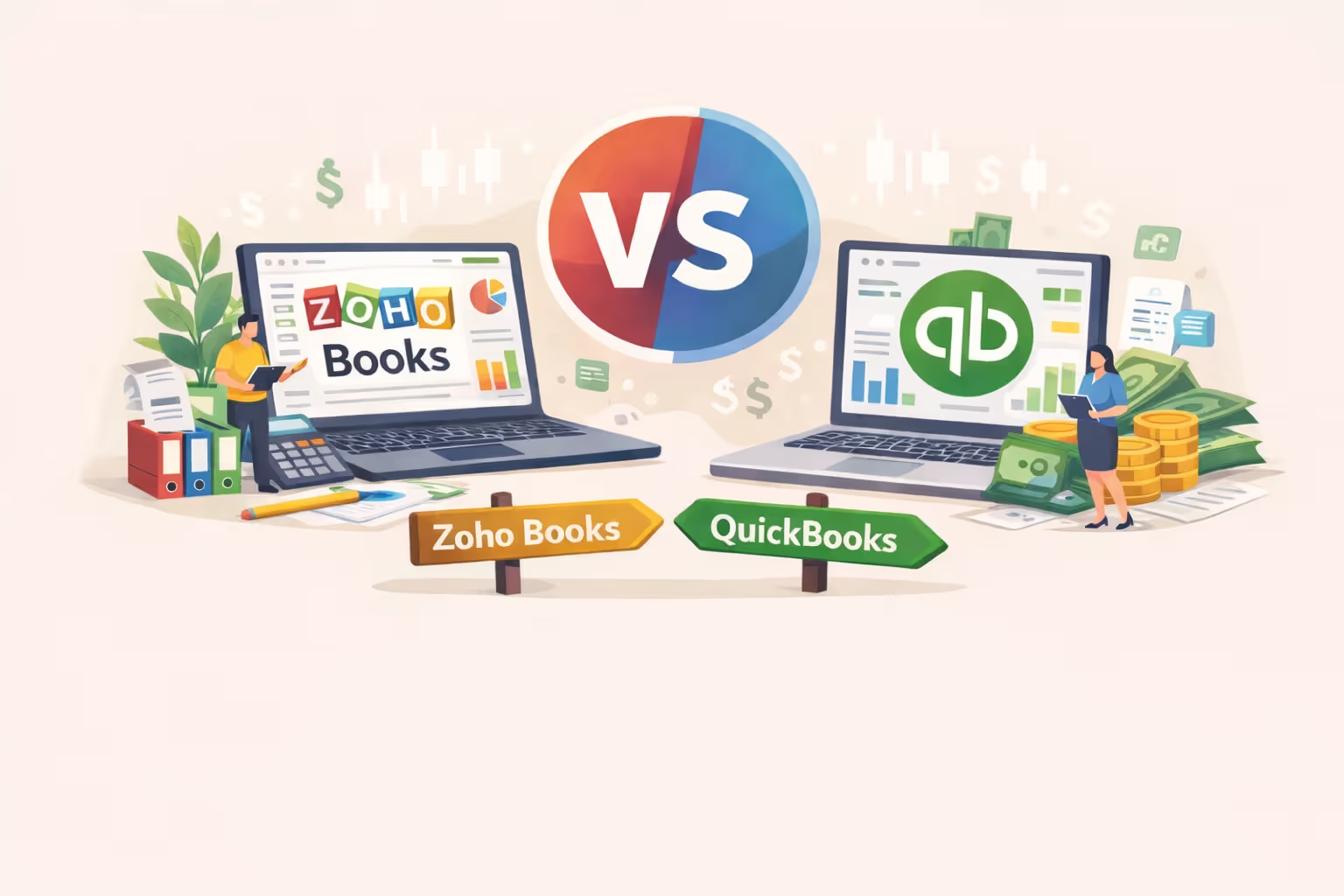
Zoho Books and QuickBooks are both capable, well-maintained platforms for single-entity businesses, but the comparison goes deeper than price. For CPA firms and family offices, both eventually hit the same structural ceiling. This guide breaks down where each platform wins, where they overlap, and when it's time to look beyond both.
The Zoho Books vs QuickBooks comparison gets framed as a pricing question. It isn't.
Both platforms are capable, well-maintained accounting tools for single-entity businesses. If you're a CPA firm partner or family office CFO, you already know both exist.
What you need is an honest assessment of what each one actually does well, where they differ, and where both hit the same ceiling. That's what this guide delivers.
Short Answer
Zoho Books wins on price, ecosystem breadth, inventory depth, and project accounting. QuickBooks wins on US compliance polish, payroll maturity, and accounting firm infrastructure. For CPA firms managing multiple entities, both hit the same architectural ceiling: isolated ledgers, no native consolidation, and per-entity costs that compound with scale.
Who Is QuickBooks Built For?
QuickBooks is a US accounting platform built for single-entity businesses, with the deepest domestic tax and payroll ecosystem in the market.
Its target user is the US-based small to mid-size business: a single legal entity, a single set of books, and an accountant who needs reliable compliance tooling without a steep learning curve.
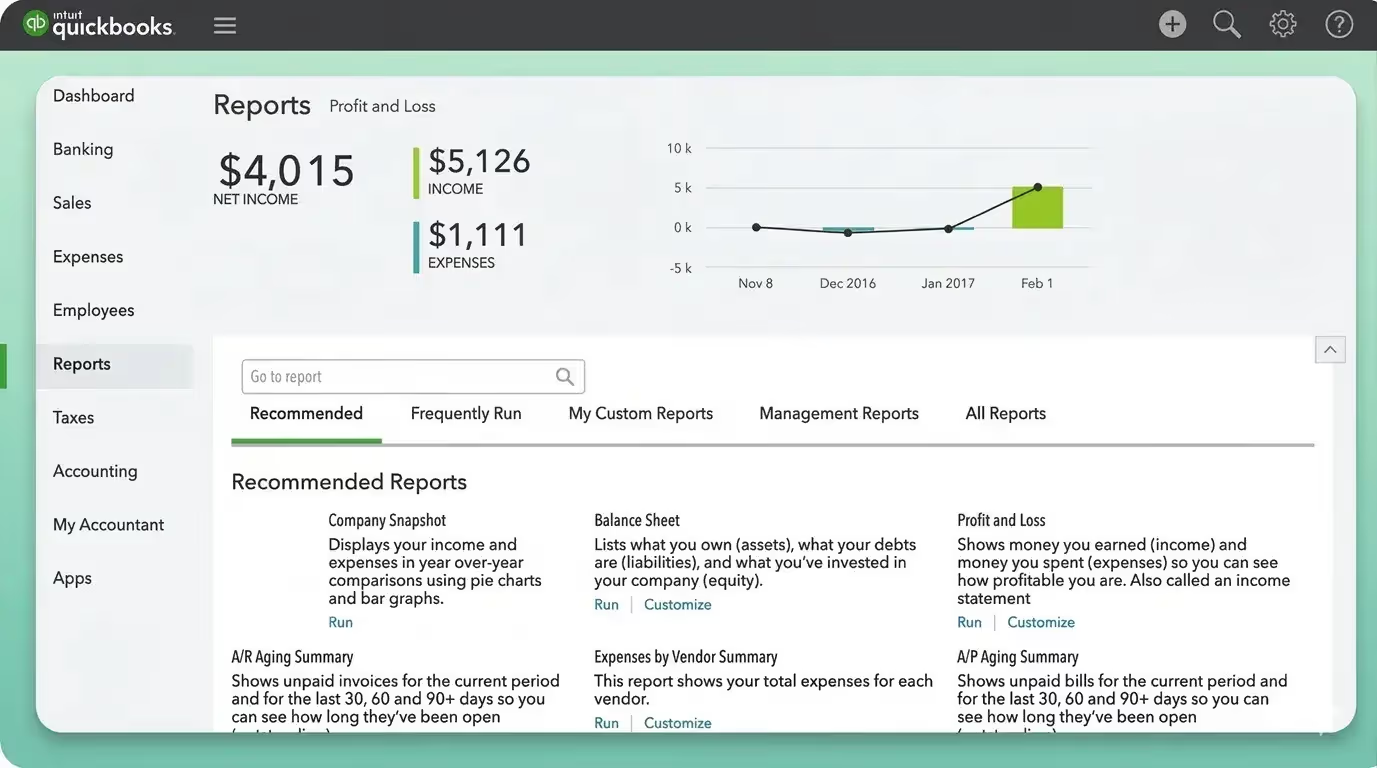
For accounting professionals, QuickBooks also offers QuickBooks Online Accountant (QBOA), a separate, free platform for firms to manage clients, access the ProAdvisor program, and work across multiple company files from a single dashboard.
The platform has evolved with AI-driven features, including an Accounting Agent, Finance Agent, and Payments Agent across its plans. Its Advanced tier adds revenue recognition, forecasting, and custom dashboards that push it further into mid-market territory.
Who Is Zoho Books Built For?
Zoho Books is an accounting platform built for value-conscious SMBs that want professional-grade features without professional-grade pricing, and for businesses already operating in the broader Zoho ecosystem.
Its target user ranges from freelancers on the free plan to growing companies that need project accounting, inventory management, and multi-currency support at a price point that QuickBooks can't match.
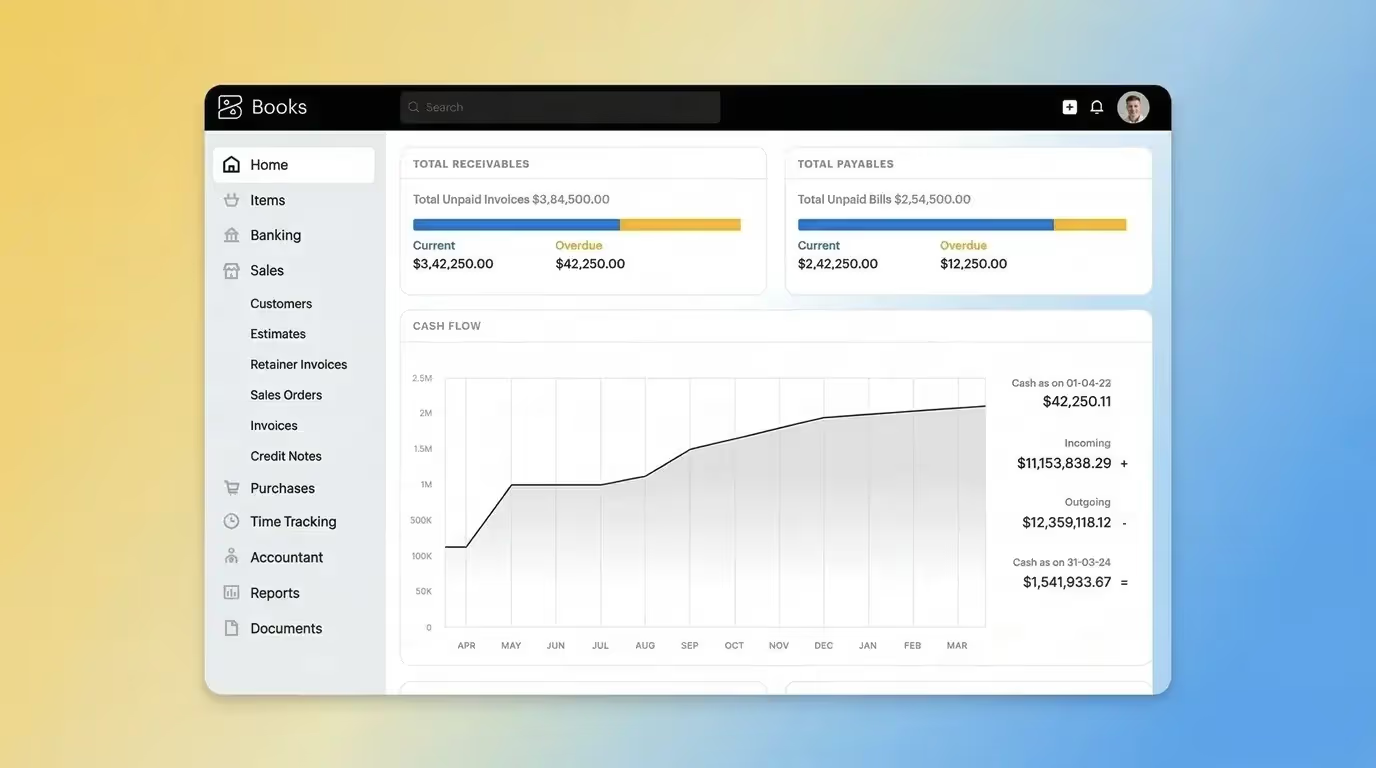
The platform's native integrations with Zoho CRM, Zoho Inventory, Zoho Projects, and Zoho Analytics mean it can replace multiple standalone tools within a single vendor relationship.
Multilingual invoicing, multicurrency support from the Professional plan ($50/mo.), and a broader global payment gateway network make it a practical choice for businesses operating outside the US.
How Do Zoho Books and QuickBooks Compare on Accounting Features?
The sections below focus on the features that matter most for professional use. In the Zoho Books vs QuickBooks comparison, the gaps are more significant than most reviews acknowledge.
Bank Reconciliation
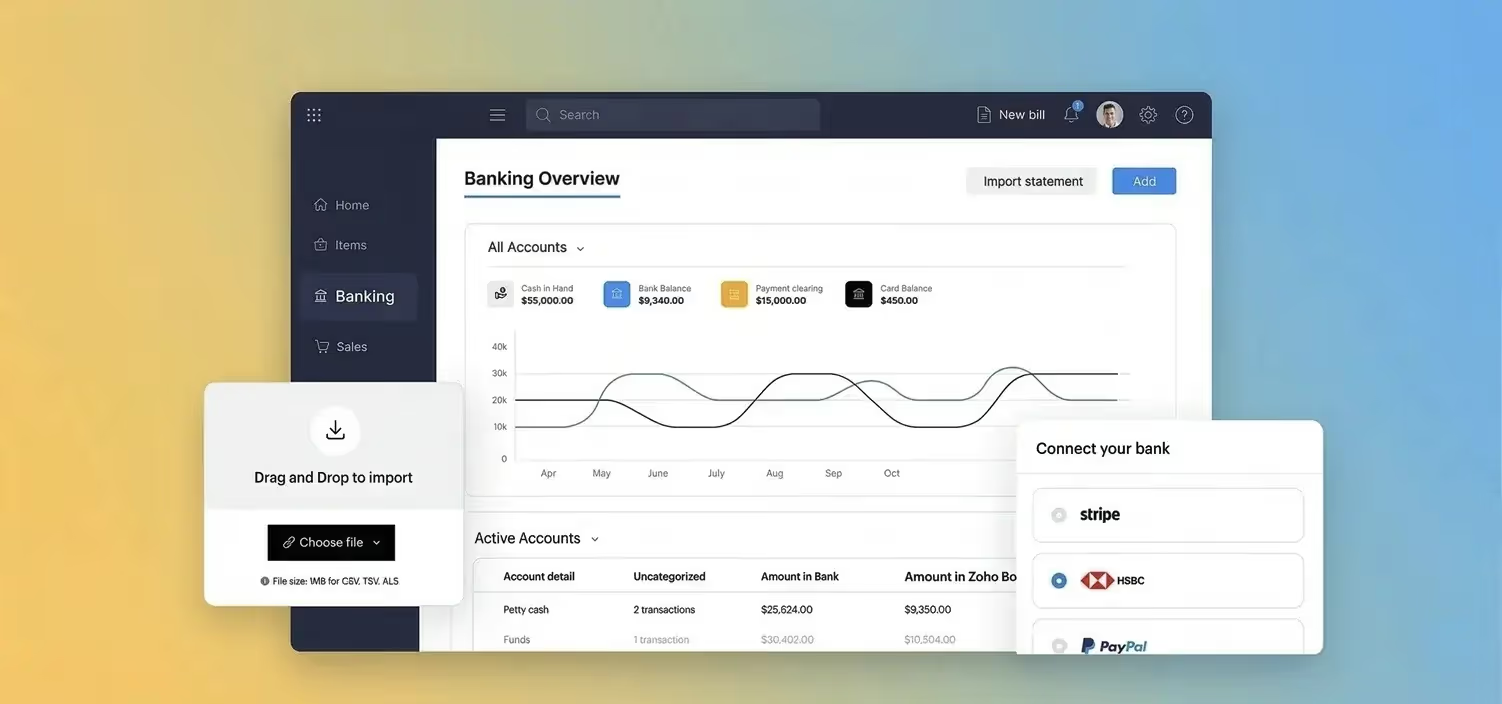
Both platforms connect to bank feeds and offer automated transaction matching, but with different strengths.
Invoicing and Accounts Receivable
⚠️ Watch Out: Zoho Books limits invoices by plan: 1,000/year on Free, 5,000 on Standard, 10,000 on Professional, 25,000 on Premium. A growing business can hit the Standard cap quickly. QuickBooks has no invoice limits on any plan.
Beyond the invoice cap, Zoho Books is the stronger invoicing platform at lower price points. Progress invoicing, retainer invoices, and early payment discounts are available from $20 to $50/mo. QuickBooks only adds revenue recognition at $275/mo.
Accounts Payable and Bill Management
QuickBooks has a meaningful AP edge for US-based operations: native ACH bill pay, no bill limits, and built-in 1099 contractor management.
Zoho Books counters with a vendor portal, landed cost tracking, and document autoscanning. These capabilities are genuinely useful for product-based businesses.
Reporting
❓ Note: Shared limitation: neither platform produces consolidated group reports natively. Each entity's reports must be exported and combined manually. This is covered in the ceiling section below.
For US compliance reporting, QuickBooks leads. For reporting depth at lower price points, Zoho Books punches well above its price.
Payroll
Zoho Payroll's US edition launched in December 2024 and is still maturing, and it doesn't currently support 1099 contractor payments. These are material considerations for any US-based practice evaluating it for client use.
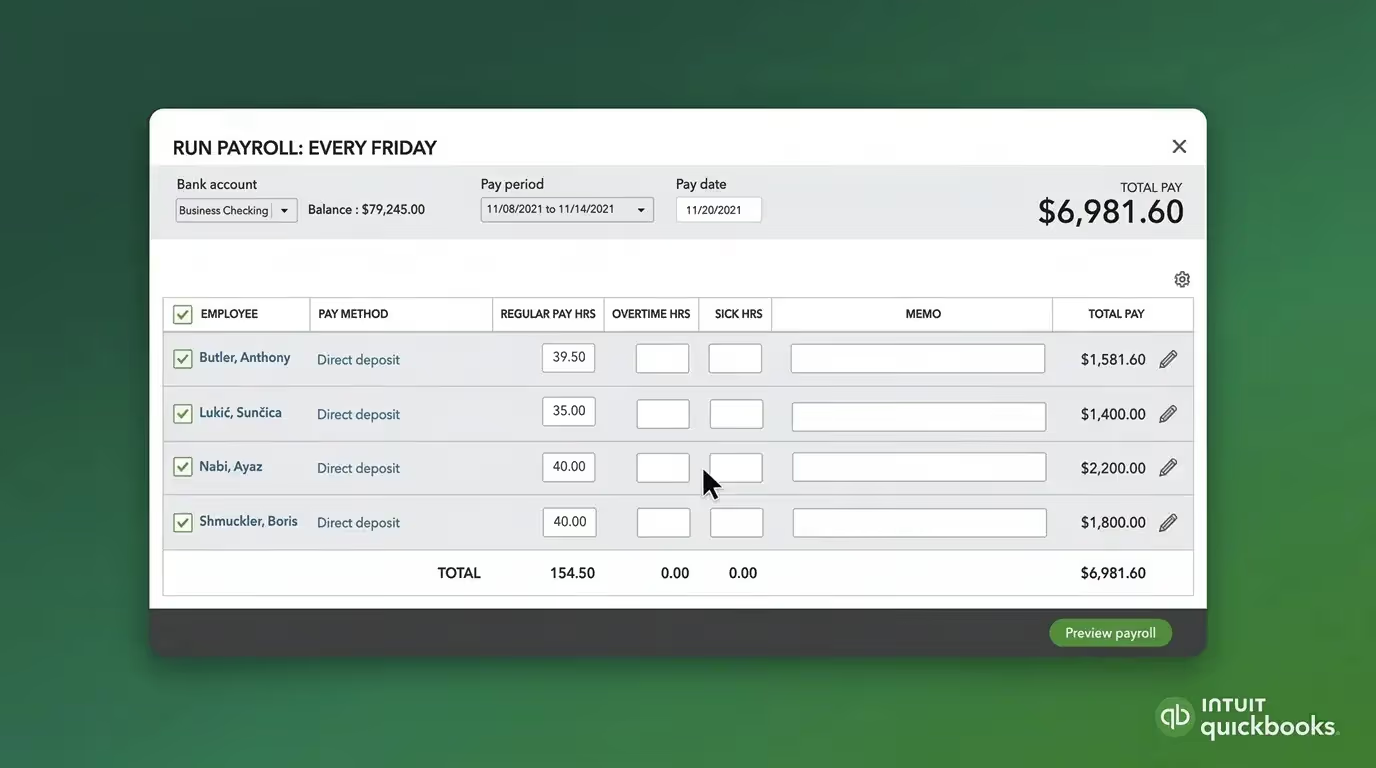
With that context, Zoho Payroll is a separate Zoho app that integrates natively with Zoho Books. It covers all 50 states, automates federal, state, and local tax filings, handles direct deposit, and syncs payroll journal entries automatically.
It's meaningfully better than a generic third-party integration but a slightly less seamless experience than QuickBooks' all-in-one setup.
Inventory Management
Zoho Books is the clear winner here. Its Elite plan ($150/mo.) includes warehouse management, barcode generation and scanning, batch and serial number tracking, bin location tracking, and Shopify integration.
These are capabilities QuickBooks can only approach through its Commerce add-on or third-party apps.
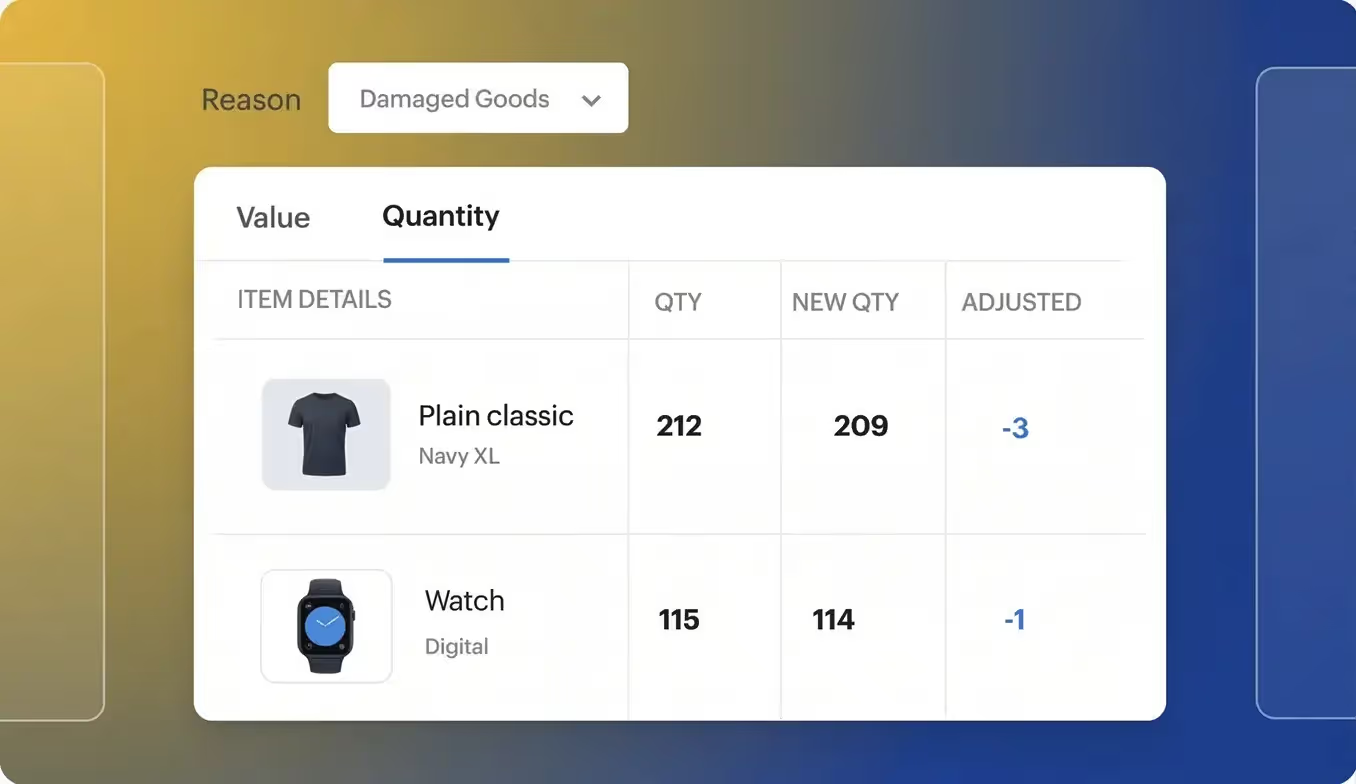
✅ Pro Tip: If inventory management is a requirement, Zoho Books' Elite plan at $150/mo. replaces what would otherwise require QuickBooks Advanced ($275/mo.) plus a third-party inventory app. The price difference is substantial.
US Tax and Compliance
QuickBooks still has a narrow edge on the compliance experience. The Sales Tax Agent and tighter books-to-tax workflow remain more polished.
But the gap is smaller than it's typically characterized; Zoho Books has meaningful US compliance features built in natively.
Project Accounting
Zoho Books covers native project management, timesheets, retainer invoices, and project profitability reporting from $50/mo. QuickBooks only unlocks project tracking at $115/mo., which is just over twice the price for similar capabilities.
How Do Zoho Books and QuickBooks Compare on Users and Accessibility?
Accounting features are important, but just as important are user seats and accessibility. So, which platform balances accounting features with user seats and accessibility more effectively?
User Limits
⚠️ Watch Out: Neither platform offers unlimited users, unlike Xero. For firms with large teams managing a single client entity, both platforms impose meaningful user caps that become an operational constraint at scale.
Zoho Books' Premium plan ($70/mo.) gives you 10 users, matching QuickBooks Advanced's headcount at a fraction of the cost. QuickBooks Advanced's 25-user cap is the highest available on either platform but comes at $275/mo. per entity.
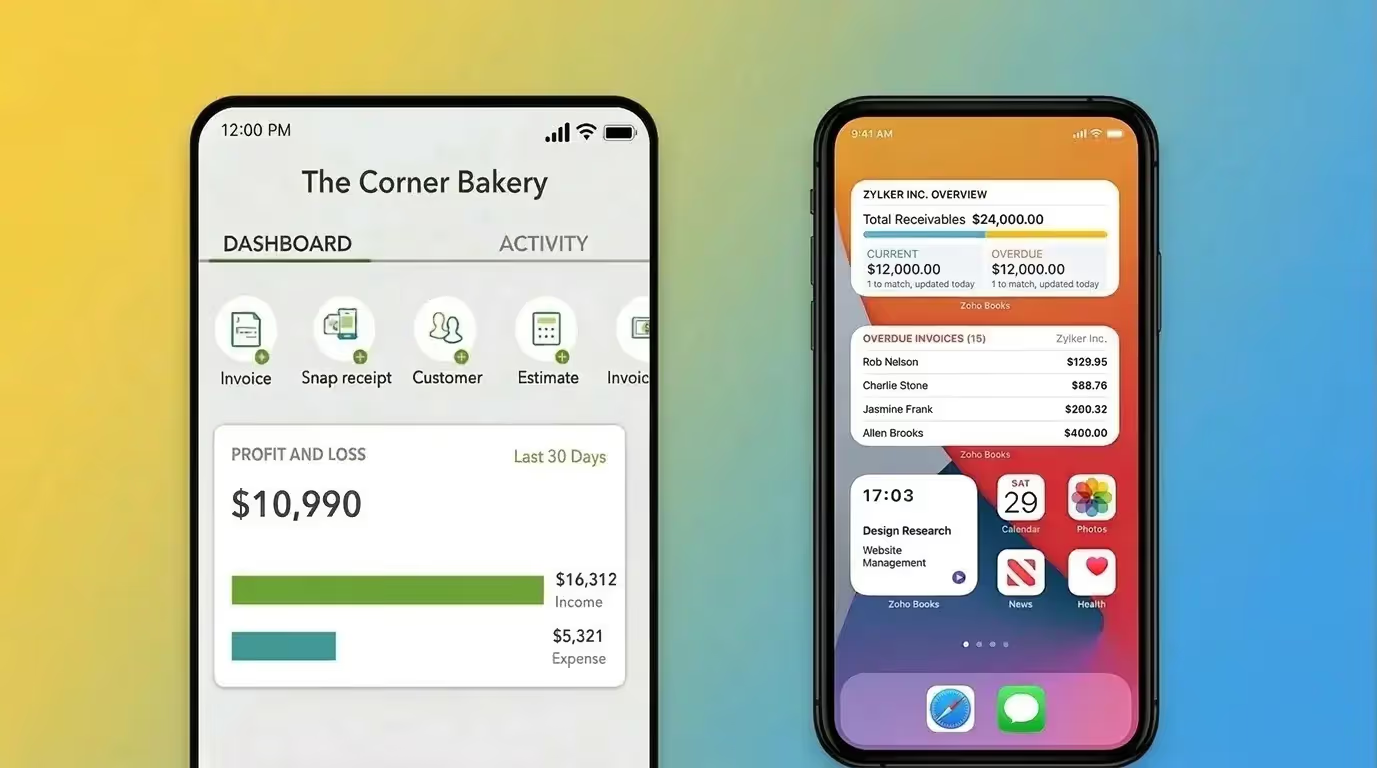
Mobile Experience
Neither mobile app is a decision driver at the professional level, but Zoho Books' depth is notable.
Accountant and Firm Access
QuickBooks leads for US-based accounting firms. QBOA is a dedicated, free platform for managing client files and working across multiple entities from a single dashboard.
Zoho Books allows accountant access on every plan but has no equivalent firm management platform or partner program.
How Do Zoho Books and QuickBooks Handle Multicurrency?
Both platforms handle transactional FX competently. The shared gap is an industry-wide limitation: neither handles functional-to-presentation currency translation at the group consolidation layer.
Multi-entity groups with subsidiaries in different functional currencies still require manual spreadsheet work or third-party tools for IAS 21 or ASC 830-compliant group financials.
How Do Zoho Books and QuickBooks Price Their Plans?
The pricing gap between these two platforms is the starkest difference. At every tier, Zoho Books delivers comparable or greater feature coverage at a significantly lower price.
It's also a gateway to a broader integrated suite that can meaningfully reduce a firm's total software spend.
A business running QuickBooks typically relies on standalone third-party tools for CRM, project management, inventory, and analytics. Zoho Books connects natively to Zoho CRM, Zoho Inventory, Zoho Projects, Zoho Expense, and Zoho Analytics, all within the same vendor relationship and often the same plan tier.
✅ Pro Tip: If your clients are evaluating software stacks rather than individual tools, Zoho's integrated suite model often replaces three to five separate subscriptions. The total cost comparison shifts significantly once you factor in what's being consolidated.
Per-Entity Pricing
Each Zoho Books organization is a separate subscription, and each QuickBooks company file is a separate subscription. There's no formal multi-client discount for accounting firms managing multiple entities on Zoho Books.
⚠️ Warning: You’re buying isolated ledgers with no native consolidation, no intercompany automation, and no group reporting. The cost scales with your entity count, but the architecture doesn’t scale with your complexity.
Which Zoho Books or QuickBooks Plan Fits Your Practice?
The right fit depends on your firm's geography, client mix, and operational priorities.
US-Based Small Business or Solo Practitioner
For a single-entity US business that needs reliable payroll, sales tax compliance, and 1099 management, QuickBooks remains the more polished choice. Its payroll is fully embedded, mature, and supports 1099 contractor payments in one subscription.
Zoho Books handles sales tax and 1099 e-filing natively, so the compliance gap is narrower than it used to be. On payroll, Zoho Payroll integrates natively and covers all 50 states, but it's a separate subscription and its US edition is still maturing.
For businesses with straightforward payroll needs, QuickBooks is the safer bet. For businesses already in the Zoho ecosystem, Zoho Books is a viable path.
International SMB or Product-Based Business
A growing business with international customers, inventory complexity, or project-based billing will find Zoho Books more capable at lower price points.
Multi-currency from $50/mo., project accounting from $50/mo., and warehouse management from $150/mo. cover most mid-market requirements without approaching QuickBooks Advanced territory.
If the business is also using Zoho CRM or Zoho Inventory, the integration argument becomes even stronger.
CPA Firm or Family Office Managing Multiple Entities
At this scale, both platforms show the same structural limits regardless of price. Manual entity switching, no consolidated reporting, and per-entity subscription costs that compound quickly.
A firm managing 20 entities on Zoho Books Professional pays $1,000/mo. for 20 isolated ledgers. A firm on QuickBooks Plus ProAdvisor pays $1,610/mo. for the same architectural limitation. The cost difference is real, but neither platform was built for this operating environment.
❌ If you manage more than five entities and month-end consolidation involves exporting to Excel, the platform is likely the bottleneck, not the team. The question isn't which single-entity tool is cheaper. It's whether single-entity architecture is the right foundation for the work you're doing.
Where Do Both Platforms Hit Their Ceiling?
Price and feature differences aside, both platforms share the same architectural ceiling. This is what the Zoho Books vs QuickBooks comparison comes down to for professional firms.
No Native Multi-Entity Consolidation
Neither platform produces consolidated group financial statements natively.
In Zoho Books, consolidating across organizations means exporting reports from each separately, building a master spreadsheet, and manually preparing group-level statements every period.
In QuickBooks Online, the workflow is structurally identical; no native cross-file consolidation exists.
❌ Compliance Risk: Manual consolidation in spreadsheets introduces version control risk, formula errors, and broken links between financial data and supporting documentation. For firms preparing consolidated financials for external stakeholders or audits, this is a material compliance risk.
Segmented Tracking Versus Dimensional Accounting
QuickBooks offers class and location tracking. Zoho Books offers reporting tags, a similar segmented approach that attaches category labels to transactions rather than treating attributes as true metadata dimensions.
The result is the same on both platforms: as complexity grows, the chart of accounts expands to accommodate it. More entities, departments, projects, or cost centers means more account codes, slower closes, and reporting that becomes harder to maintain.
💡 Key Insight: A dimensional ledger attaches variables like department, location, project, and entity as metadata tags on each transaction rather than creating new account codes. The chart of accounts stays compact and reporting across any combination of dimensions is available on demand. Neither QuickBooks nor Zoho Books offers this natively.
Per-Entity Pricing Penalty
The pricing model is a consequence of the system design. Both platforms charge per entity because each entity is a fully isolated instance.
Third-Party App Requirements
Zoho Books partially addresses this through its own ecosystem. Zoho Inventory, Zoho Analytics, and Zoho Projects fill gaps that QuickBooks sends to the app marketplace. But the core gaps (consolidation reporting, group-level FX translation, and intercompany automation) remain on both platforms.
Each integration beyond the core platform adds cost, maintenance overhead, and a potential point of failure. A firm running either platform at a meaningful scale is typically running three to five additional tools to cover what the core platform cannot do.
When Should You Consider Moving Beyond Zoho Books or QuickBooks?
There's no universal threshold, but there are observable symptoms.
If more than a few of these apply to your practice, the platform is likely the bottleneck:
- You manage more than five separate entity logins and switch between them manually.
- Month-end consolidation involves exporting to Excel and assembling group reports by hand.
- Intercompany transactions are recorded manually in each entity file.
- You're hitting Zoho Books' annual invoice limits and upgrading plans just to accommodate volume.
- Multi-currency revaluations at period-end require manual spreadsheet calculations.
- Your month-end close takes significantly longer than it should because of consolidation and reconciliation overhead.
- Audit preparation requires manually linking financial entries to supporting documents stored elsewhere.
What Does a Platform Built for Multi-Entity Accounting Actually Look Like?
When both platforms hit the same ceiling, the question becomes what a different class of tool looks like in practice.
Eleven is built from the ground up for CPA firms and family offices managing multi-entity, multicurrency operations. The architectural difference isn't incremental.
If you've outgrown both, Eleven is worth a close look. Start a free 7-day Eleven trial and see what purpose-built multi-entity architecture looks like in practice.
Zoho Books vs QuickBooks: The Final Verdict
Zoho Books wins on price, ecosystem breadth, inventory depth, project accounting, and multi-currency accessibility. QuickBooks wins on US compliance polish, payroll maturity, and accounting firm infrastructure via QBOA.
For a single-entity business choosing between the two, the decision comes down to operational priorities. If you need a fully embedded, mature payroll and accounting setup in one subscription, QuickBooks is the safer bet. If you're budget-conscious, internationally oriented, or already in the Zoho ecosystem, Zoho Books delivers more capability per dollar at every price point.
For CPA firms and family offices managing portfolios of entities, it's the wrong question. Both platforms hit the same ceiling: isolated ledgers and manual consolidation. Neither was designed for that environment.
Frequently Asked Questions (FAQs)
Is Zoho Books good for accountants?
Zoho Books allows accountants to be invited on all plans, including the Free tier, but it doesn't offer a dedicated firm management platform equivalent to QuickBooks Online Accountant.
For US-based accounting firms managing multiple client entities and relying on the ProAdvisor discount program, QuickBooks has a more developed accountant infrastructure. Zoho Books is better suited to firms already operating within the Zoho ecosystem or serving international clients.
Can Zoho Books handle multiple companies?
Yes, but each organization in Zoho Books requires its own paid subscription. There's no native multi-entity consolidation and no formal multi-client discount equivalent to QuickBooks' ProAdvisor pricing.
Each Zoho Books organization is an isolated ledger. Consolidated reporting across organizations requires manual export and spreadsheet assembly.
Is Zoho Books cheaper than QuickBooks?
Significantly so. Zoho Books starts at $0/mo. and reaches $275/mo. at its top tier. QuickBooks starts at $38/mo. and reaches $275/mo.
For multi-currency, Zoho Books unlocks this at $50/mo. versus QuickBooks at $75/mo. At scale, both platforms charge per entity, but Zoho Books' per-entity cost remains substantially lower at every tier.
Which is better for inventory management, Zoho Books or QuickBooks?
Zoho Books is the stronger inventory platform. Its Elite plan ($150/mo.) includes warehouse management, barcode scanning, batch and serial number tracking, bin location management, and Shopify integration.
QuickBooks requires its Commerce add-on or third-party apps to approach comparable functionality, typically at a significantly higher combined cost.
What is the best Zoho Books and QuickBooks alternative for CPA firms?
For CPA firms and family offices that have outgrown single-entity tools, Eleven is purpose-built for the operating environment where both platforms stop being sufficient. It offers multi-entity management under a unified platform, native consolidated reporting, 170+ currency support with automated FX revaluations, analytical dimensions, and integrated document management via Dokmee.
Intercompany transactions are available as an add-on. Pricing is entity-based, with the Professional plan covering up to 50 entities at $13,440/year with all features, implementation, migration, and DMS included.
Was this article helpful?
Thank you! Your feedback has been received!
Oops! Something went wrong while submitting the form.